
Camtasia
TechSmith's screen recorder and video editor for tutorials and training, now sold as a suite with Snagit and Audiate.
- Pricing
- Freemium · see prices
- Platforms
- Windows, macOS, Web
- Categories
- Video
About Camtasia
Camtasia from TechSmith is a screen recording and video editing application for Windows and Mac, aimed at tutorials, training, product demos and customer education. It records screen, camera, system audio and microphone as separate layers, then lets you edit cursor movement, add zoom and pan, callouts, animations, transitions, quizzes and SCORM export, and remove webcam backgrounds. Paid plans bundle it with Snagit (screenshots and step guides) and Audiate (text-based editing, filler-word removal, transcription), and higher tiers add AI script writing, voiceover generation, avatars, translation and dubbing, a stock asset library and Screencast hosting. A browser-based Camtasia Online is also included.
Good for
Trainers, instructional designers and support teams producing software walkthroughs and how-to videos who want cursor effects, callouts, quizzes and LMS (SCORM) export.
Watch out for
The free download is the full editor, but exports carry a watermark until you buy Essentials or above; the Starter plan also exports watermarked Camtasia video. Individual plans are non-transferable.
Pricing notes
As of October 2026 the store lists individual plans billed yearly: Starter US$39.00, Essentials US$179.88, Create US$249.00 and Pro US$599.00 per year, with a 14-day money-back guarantee. Requires macOS 14+ or Windows 10/11.
Alternatives to Camtasia
See all →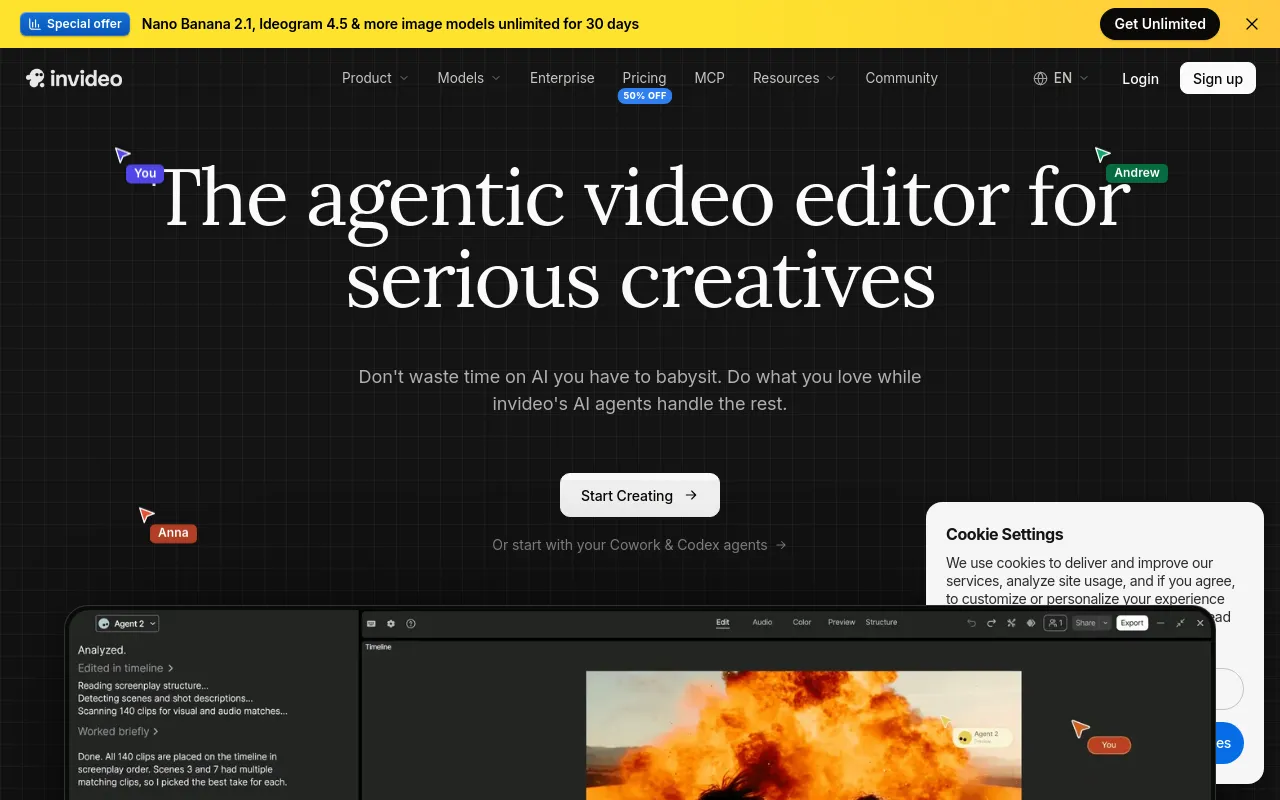
 invideo AIPaidAgent-driven video editor that edits your footage from plain-language directions and generates scenes with third-party AI models.Video· AI-powered
 OBS StudioOpen sourceFree, open-source software for live streaming and screen or video recording, with scenes, sources and an audio mixer.Video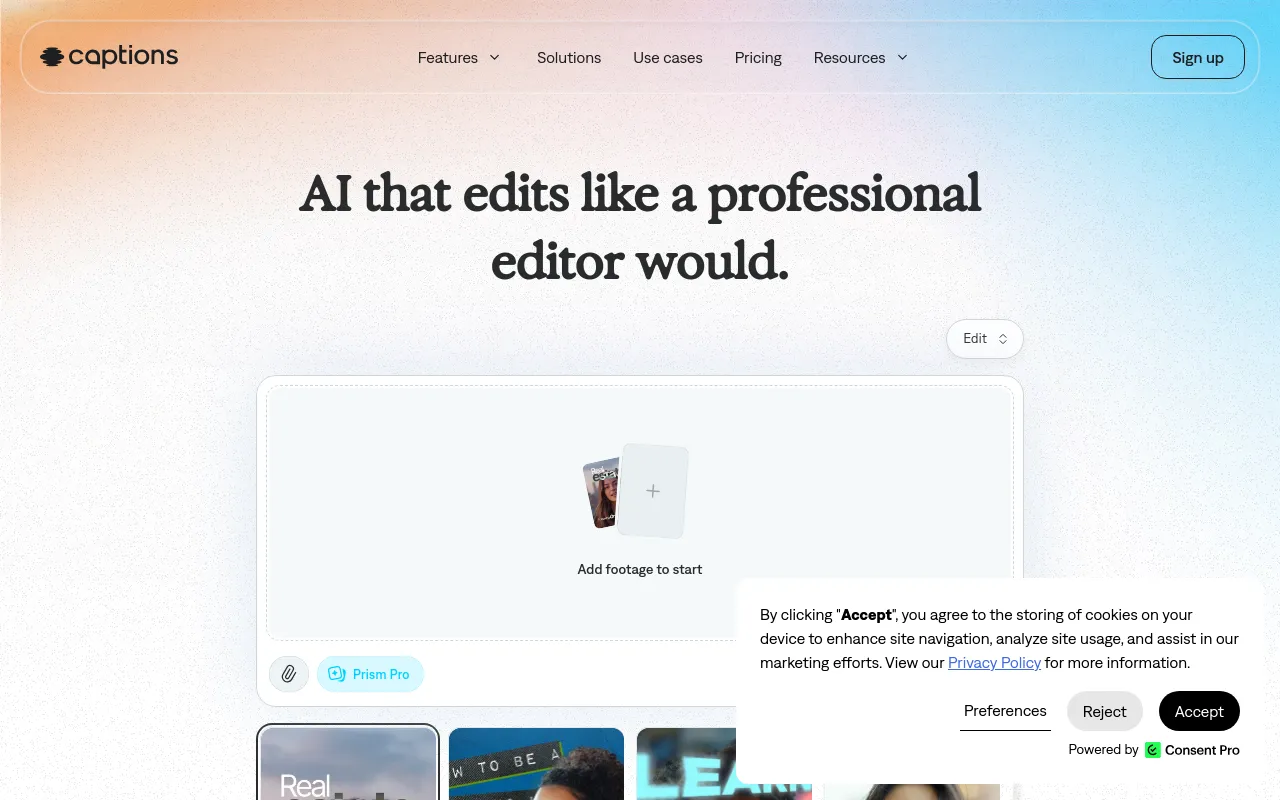
 CaptionsFreemiumMobile and web AI video editor that auto-edits footage, adds styled captions, and creates AI avatars and translations.Video· AI-powered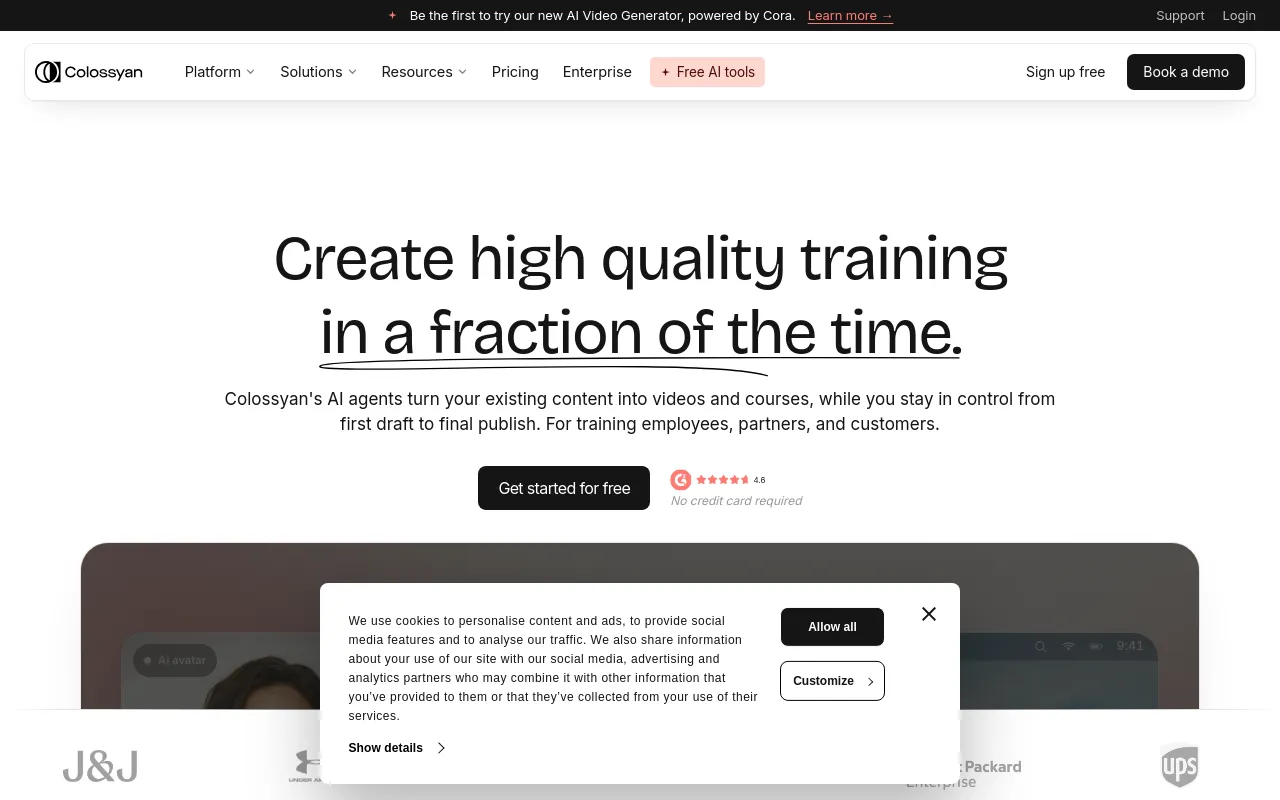
 ColossyanFreemiumAI avatar video and course builder for workplace training, with SCORM export, interactivity and translation.Video· AI-powered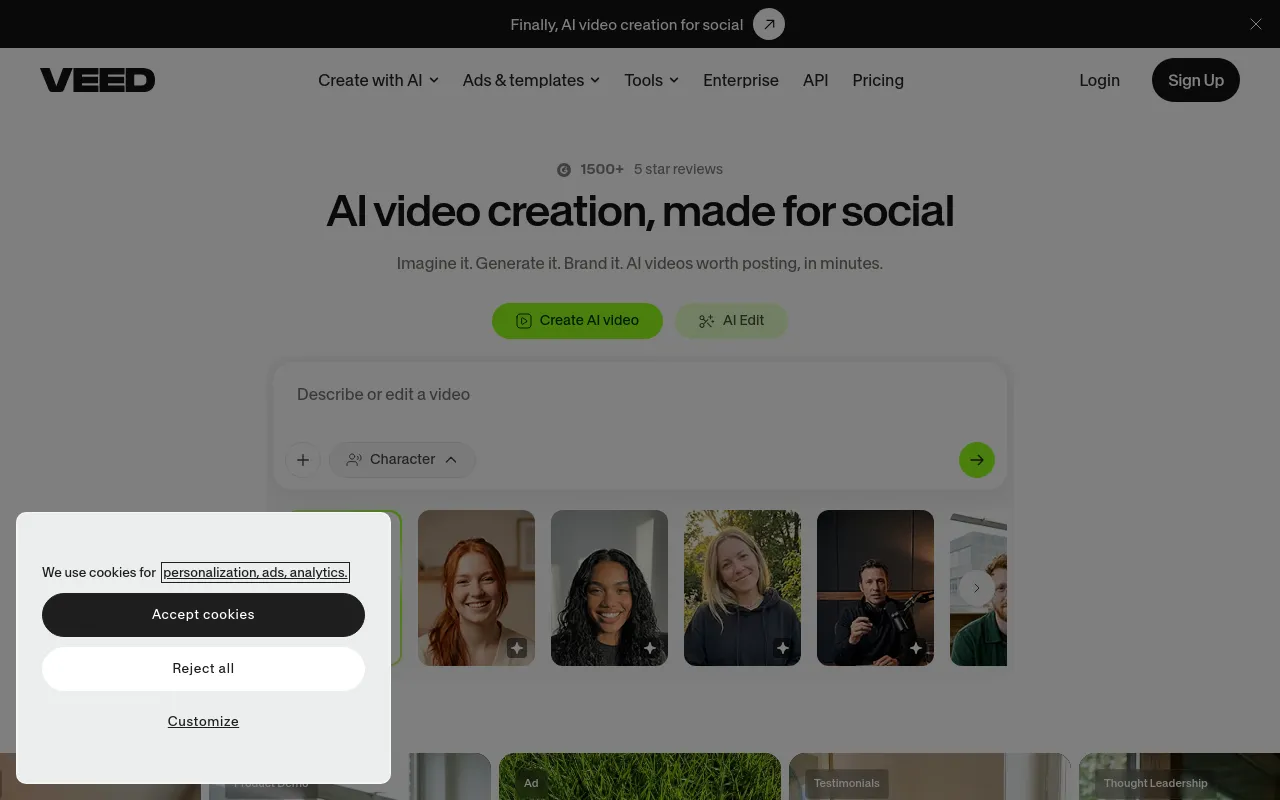
 VEEDFreemiumBrowser-based video editor with AI subtitles, avatars, voice tools and video generation aimed at social and marketing content.Video· AI-powered
 FlixlyFree trialOne credit balance for many AI video, image and voice models, plus ready-made creator tools, on web, mobile and API.Video· AI-powered