
OBS Studio
Free, open-source software for live streaming and screen or video recording, with scenes, sources and an audio mixer.
- Pricing
- Open source · see prices
- Platforms
- Windows, macOS, Linux
- Categories
- Video
About OBS Studio
OBS Studio (Open Broadcaster Software) is a free, open-source program for real-time video and audio capture, recording and live streaming. Users build scenes from sources such as window and screen captures, webcams, capture cards, images, text and browser windows, and switch between unlimited scenes with custom or stinger transitions. It includes an audio mixer with per-source filters (noise gate, noise suppression, gain) and VST plug-in support, Studio Mode to preview changes before they go live, a Multiview of up to 8 scenes, hotkeys for most actions and a dockable interface. It streams to most platforms and is extendable through native plug-ins and Lua or Python scripts. It is maintained by the OBS Project and its contributors.
Good for
Streamers, educators and anyone recording screen or camera video who want full control over scenes and audio, at no cost and without watermarks.
Watch out for
Setup takes some learning: bitrate, encoder and audio settings are left to the user. Editing recorded footage needs a separate video editor. Current builds require Windows 10 or 11, or macOS 13 or newer.
Pricing notes
As of October 2026 OBS Studio is free; development is funded by sponsors and donations via Open Collective and Patreon.
Alternatives to OBS Studio
See all →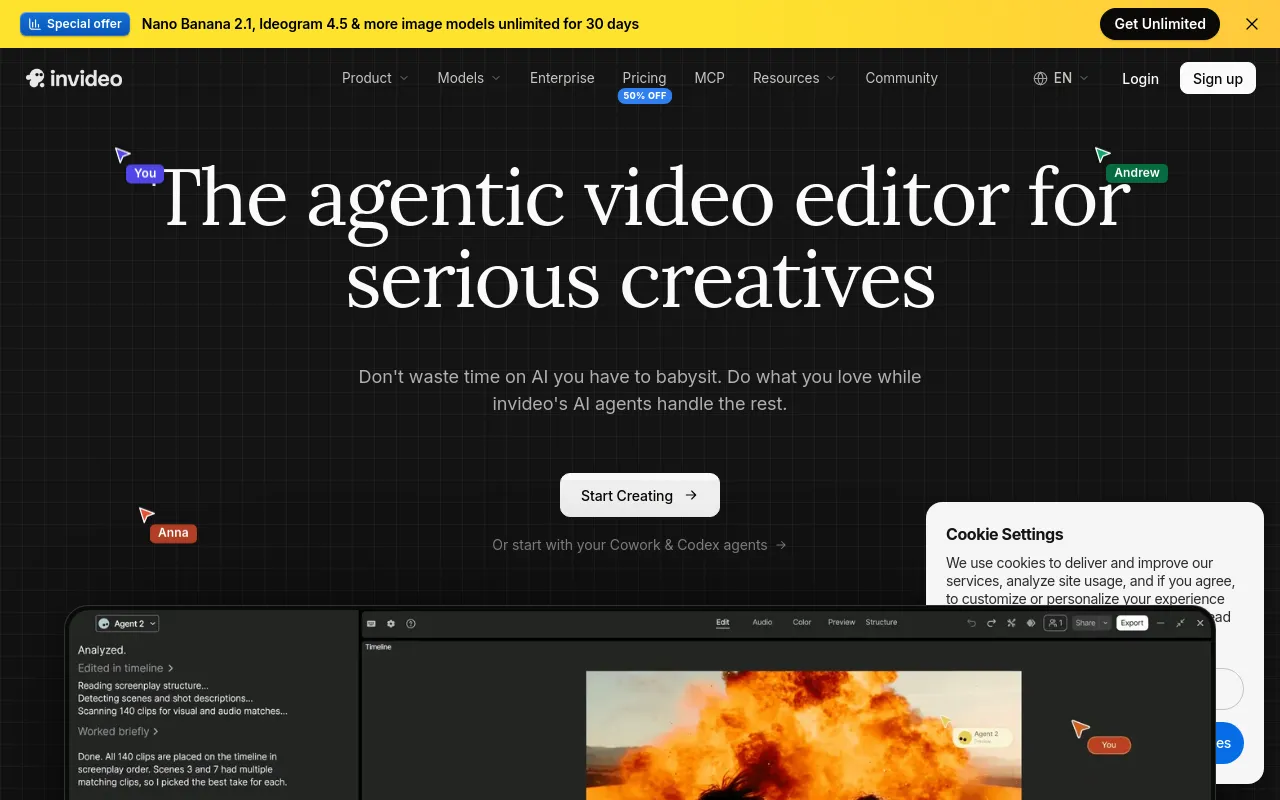
 invideo AIPaidAgent-driven video editor that edits your footage from plain-language directions and generates scenes with third-party AI models.Video· AI-powered
 CamtasiaFreemiumTechSmith's screen recorder and video editor for tutorials and training, now sold as a suite with Snagit and Audiate.Video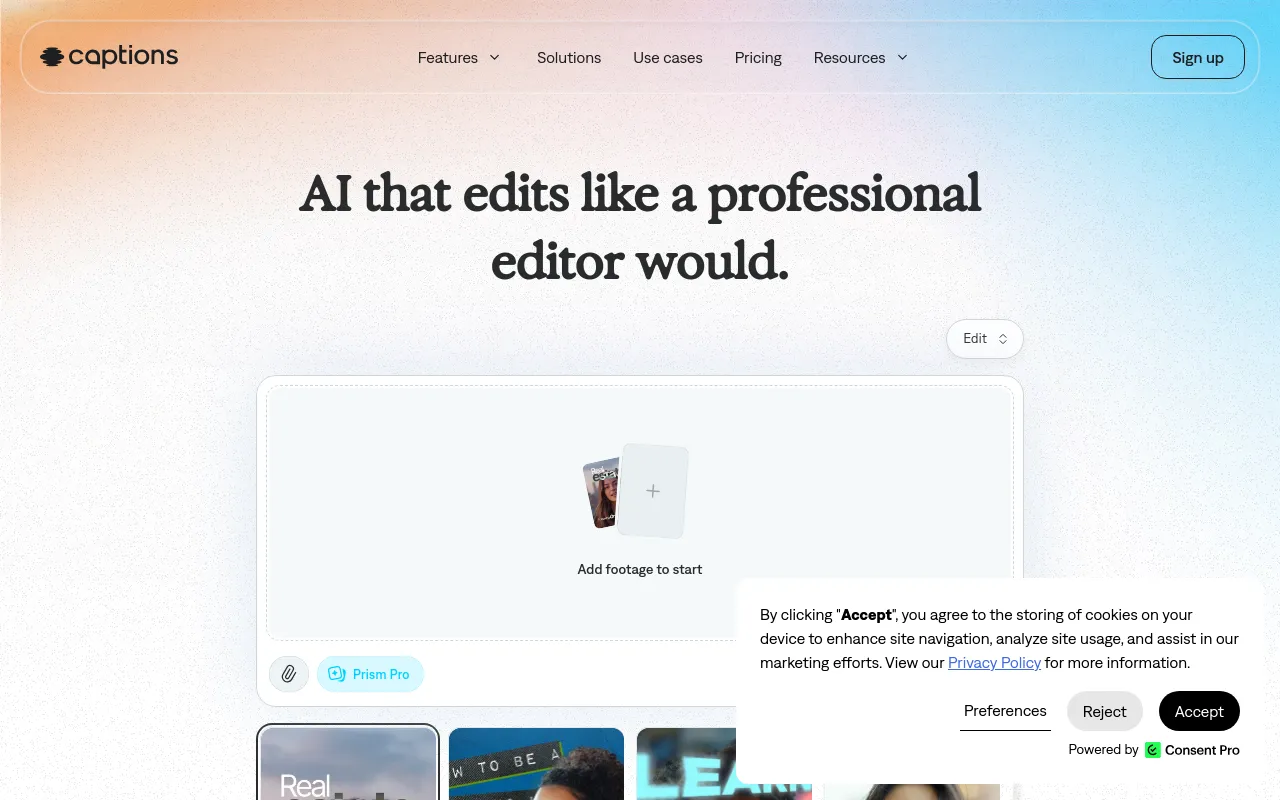
 CaptionsFreemiumMobile and web AI video editor that auto-edits footage, adds styled captions, and creates AI avatars and translations.Video· AI-powered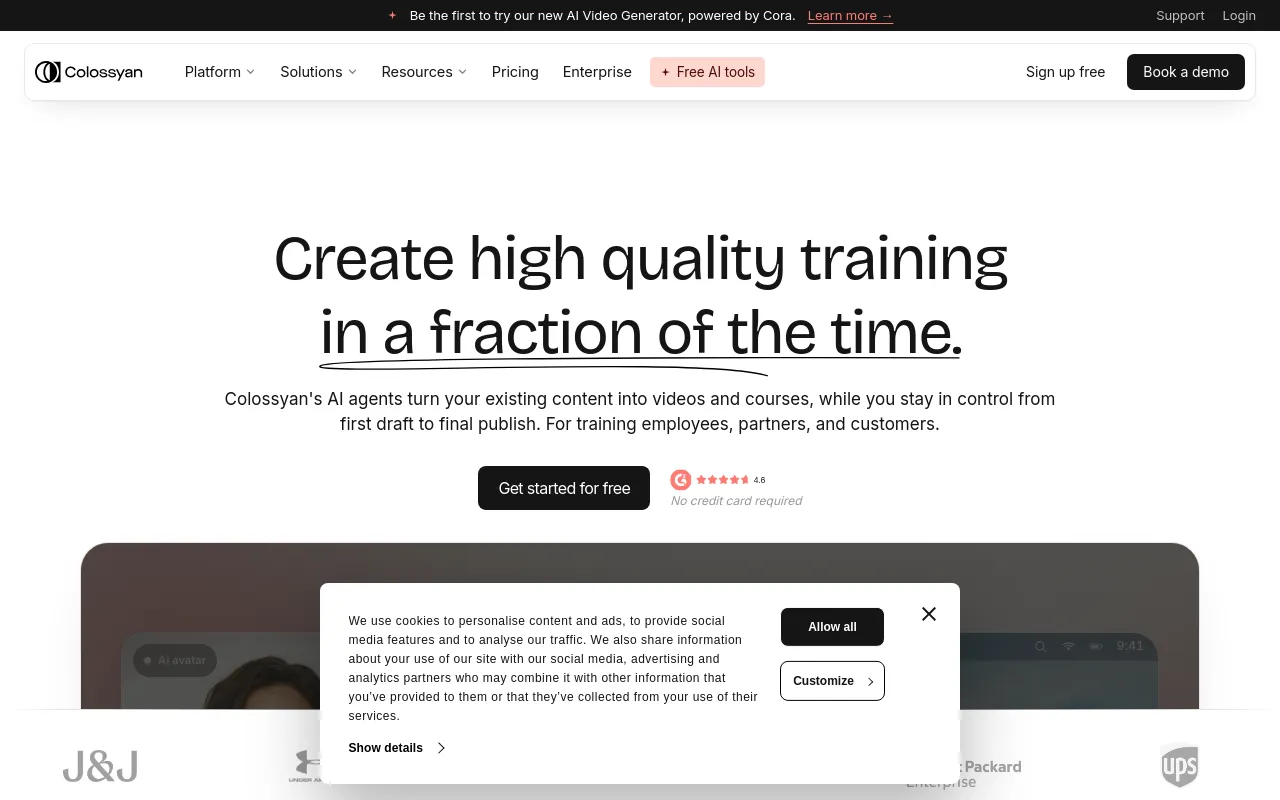
 ColossyanFreemiumAI avatar video and course builder for workplace training, with SCORM export, interactivity and translation.Video· AI-powered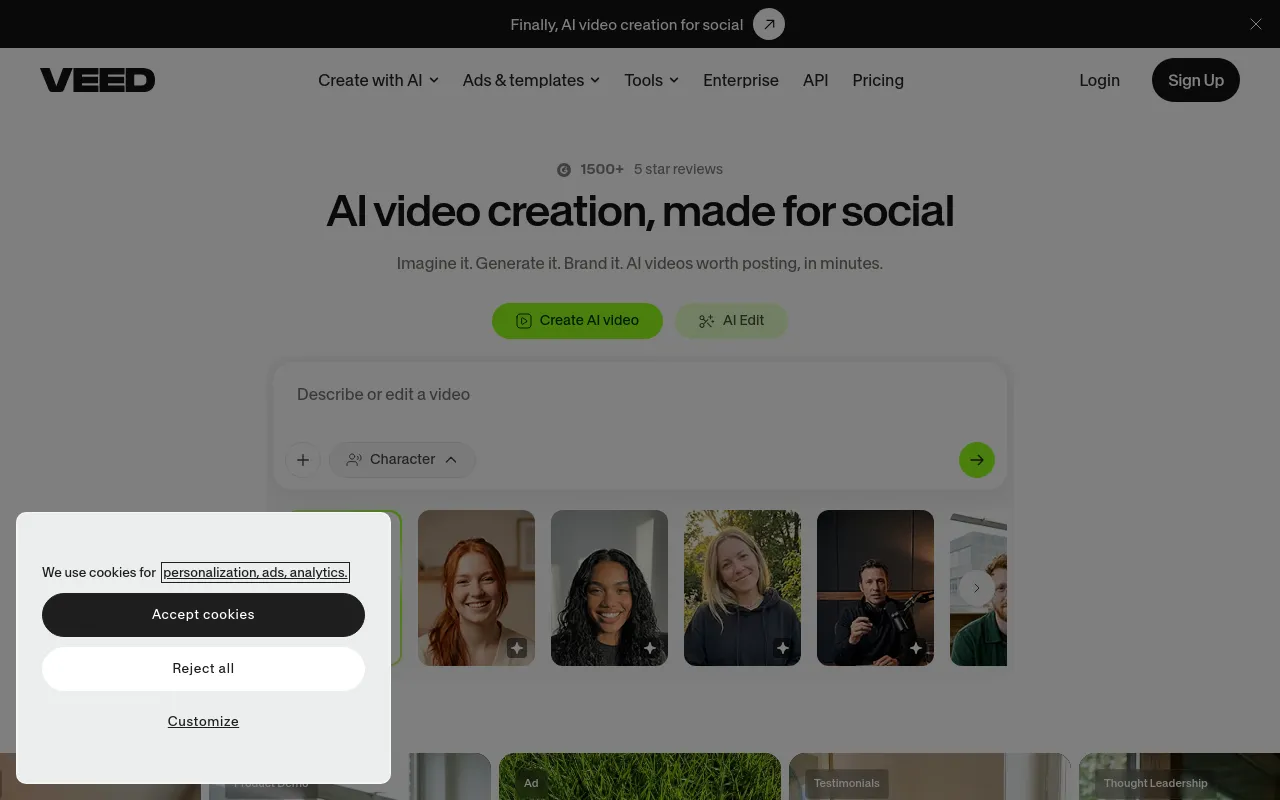
 VEEDFreemiumBrowser-based video editor with AI subtitles, avatars, voice tools and video generation aimed at social and marketing content.Video· AI-powered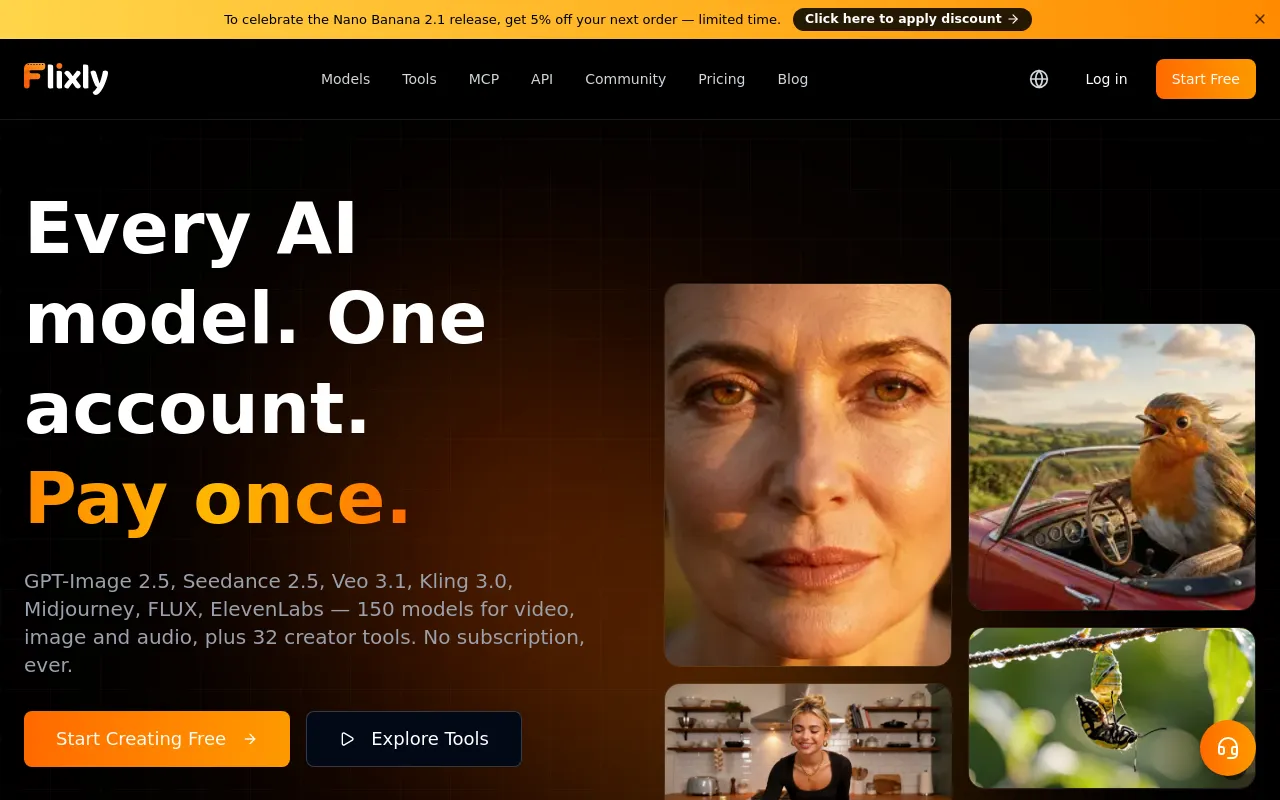
 FlixlyFree trialOne credit balance for many AI video, image and voice models, plus ready-made creator tools, on web, mobile and API.Video· AI-powered