CapCut
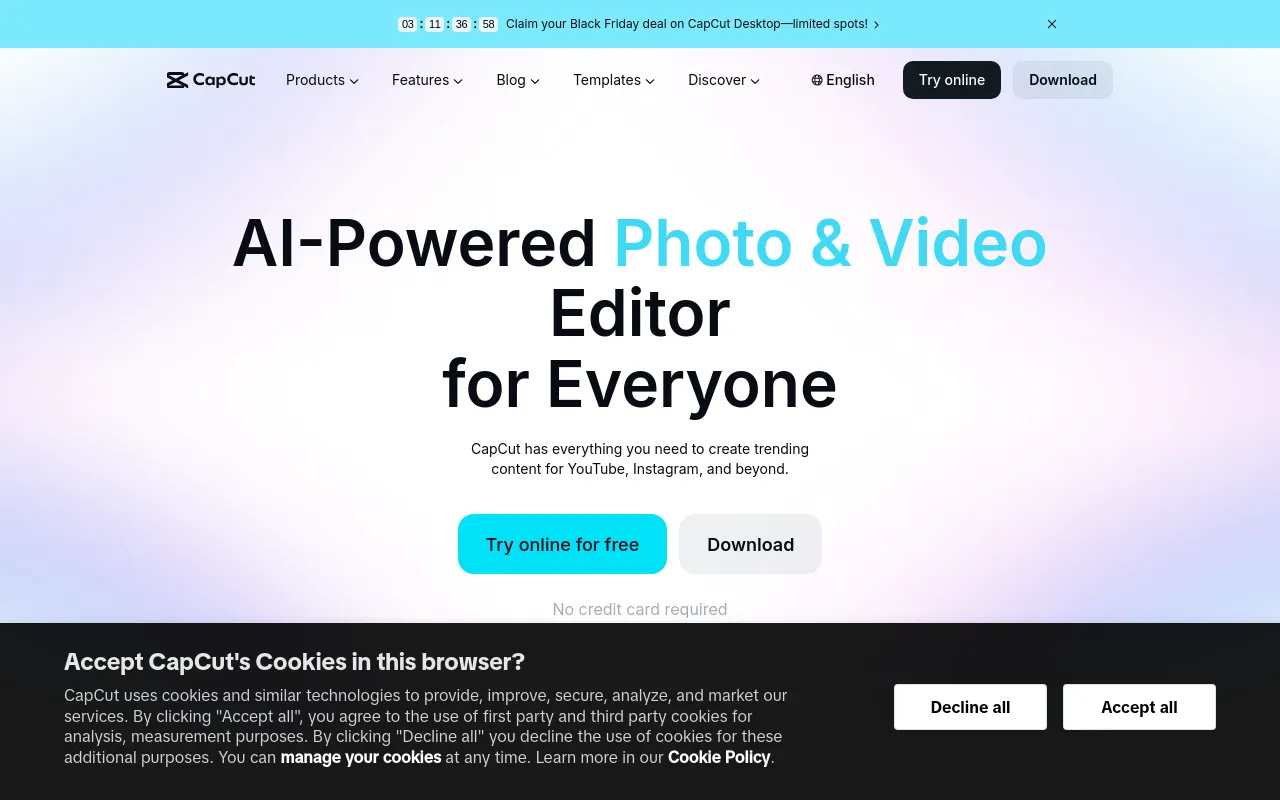
Video editor for desktop, mobile and web with templates, auto captions and built-in AI video, image and voice generation.
- Pricing
- Freemium · see prices
- Platforms
- Web, Windows, macOS, iOS, Android
- Categories
- Video, Design & photo
About CapCut
CapCut is a video and photo editor available as a desktop app for Windows and macOS, mobile apps, a tablet version and a browser-based editor. Alongside timeline editing, keyframes, transitions and templates, it includes AI tools for auto captions, text to speech and custom voices, background removal, noise reduction, video upscaling, long-video-to-shorts and dubbing. Paid plans add monthly AI credits for generating video and images with models such as Seedance and Nano Banana. CapCut is part of a product family that includes Dreamina and Pippit.
Good for
Social video creators who want a free general-purpose editor with trending templates and captions, and who may occasionally add AI-generated clips or voiceovers without leaving the editor.
Watch out for
The pricing page says displayed prices are for reference only and final pricing appears after sign-in, so costs can differ by account and region. AI generation runs on monthly credits; premium templates and many AI features require Pro.
Pricing notes
As of October 2026 the pricing page lists Free, Pro at USD 11/month (1,200 monthly AI credits, 1 TB storage), Ultra at USD 79/month (8,645 credits) and Teams priced per seat, with discounted yearly options (Pro USD 71.99/year). Introductory first-month per-second rates for Seedance are also shown.
Alternatives to CapCut
See all →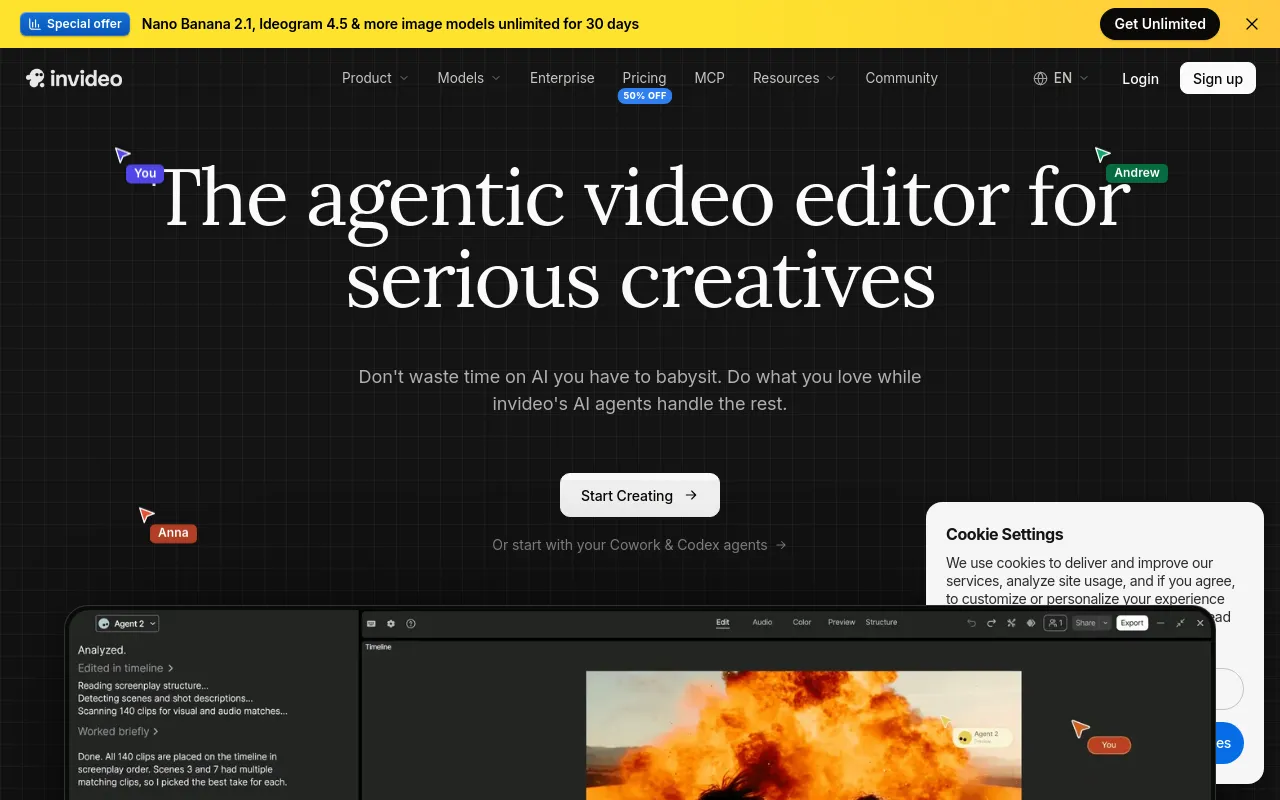
 invideo AIPaidAgent-driven video editor that edits your footage from plain-language directions and generates scenes with third-party AI models.Video· AI-powered
 CamtasiaFreemiumTechSmith's screen recorder and video editor for tutorials and training, now sold as a suite with Snagit and Audiate.Video
 OBS StudioOpen sourceFree, open-source software for live streaming and screen or video recording, with scenes, sources and an audio mixer.Video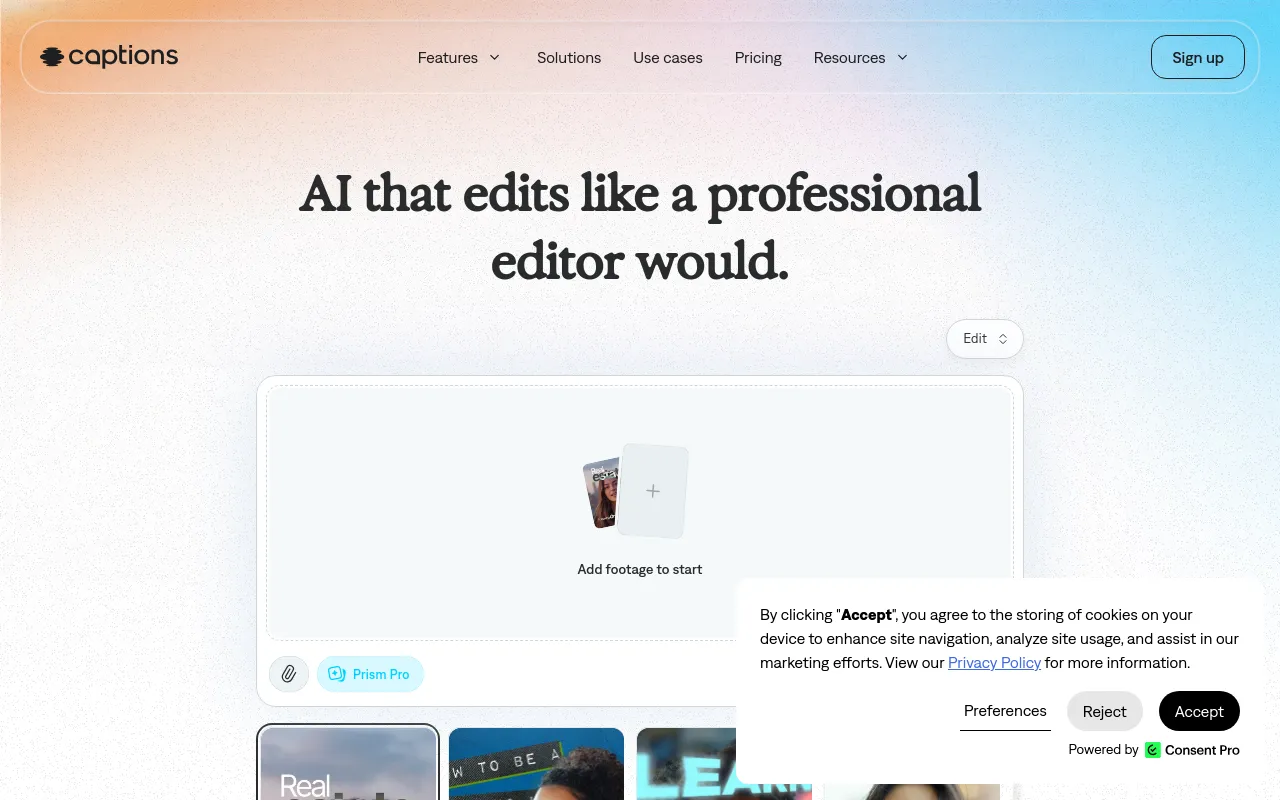
 CaptionsFreemiumMobile and web AI video editor that auto-edits footage, adds styled captions, and creates AI avatars and translations.Video· AI-powered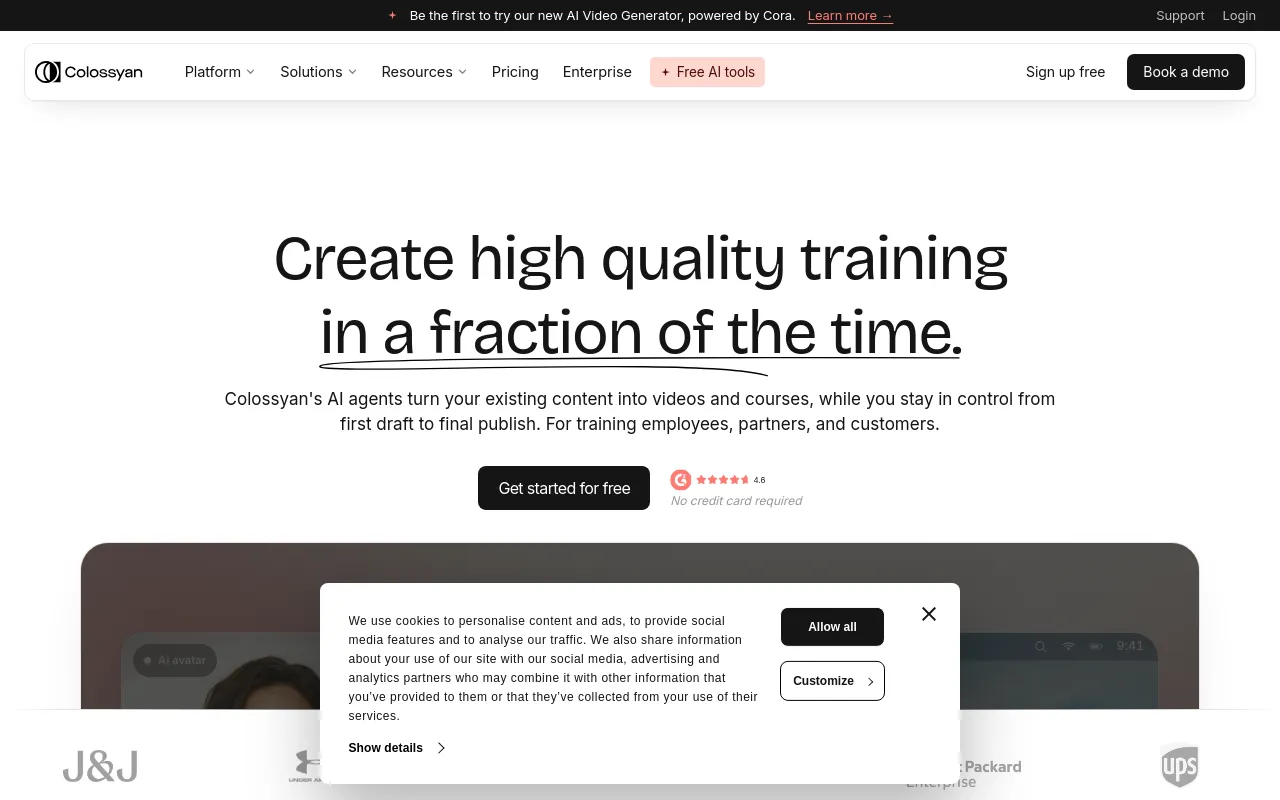
 ColossyanFreemiumAI avatar video and course builder for workplace training, with SCORM export, interactivity and translation.Video· AI-powered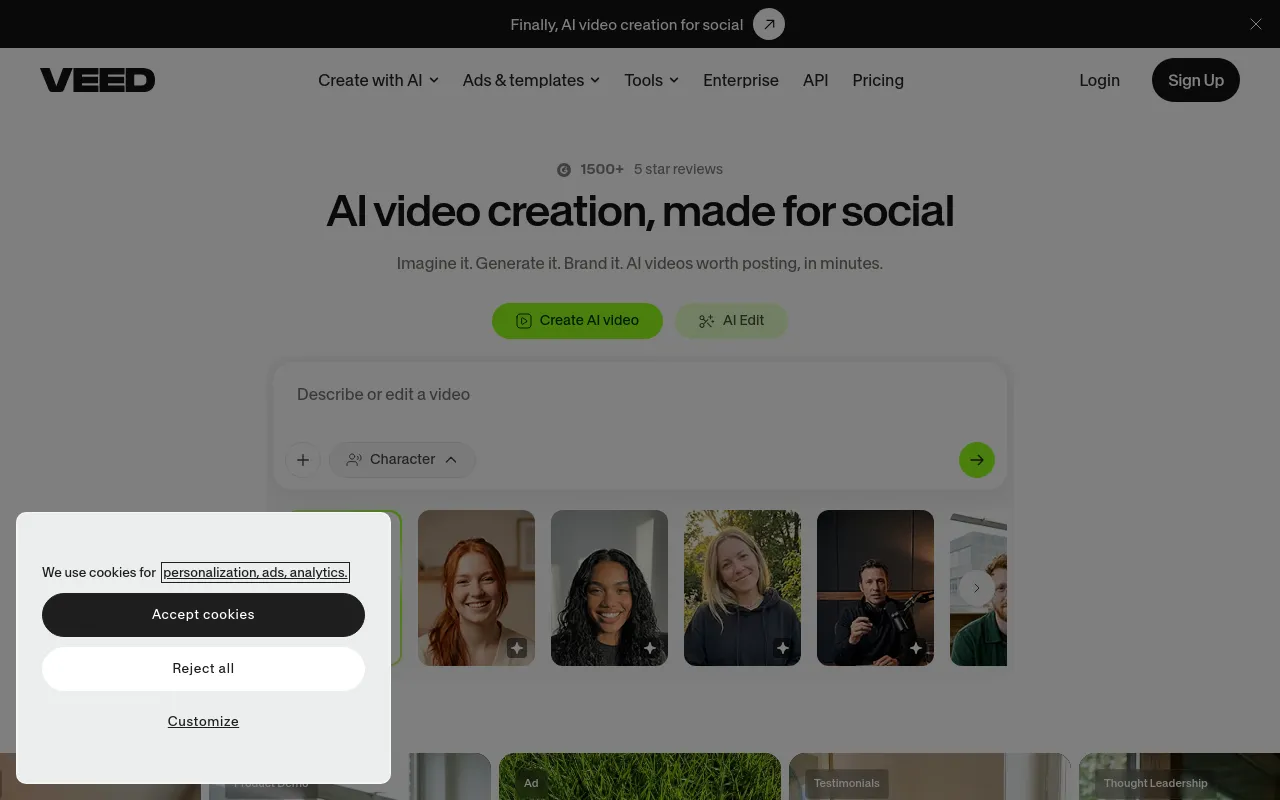
 VEEDFreemiumBrowser-based video editor with AI subtitles, avatars, voice tools and video generation aimed at social and marketing content.Video· AI-powered