DaVinci Resolve
Blackmagic Design's editing, colour grading, VFX and audio post-production app, with a free version and a paid Studio upgrade.
- Pricing
- Freemium · see prices
- Platforms
- Windows, macOS, Linux
- Categories
- Video
About DaVinci Resolve
DaVinci Resolve from Blackmagic Design combines editing, colour correction, visual effects and motion graphics (Fusion), audio post-production (Fairlight) and, since version 21, photo editing in one application. Work is split into pages: Media, Photo, Cut, Edit, Fusion, Color, Fairlight and Deliver. It uses 32-bit float processing and wide-gamut colour for HDR work, and supports multi-user collaboration locally or through Blackmagic Cloud, with bin and clip locking and shared timelines. Version 21 adds AI tools such as IntelliSearch and CineFocus, more than 100 motion graphics effects and Fusion's Krokodove toolset. The paid Studio version adds the DaVinci AI Neural Engine features, stereoscopic 3D, extra Resolve FX and Fairlight FX, and advanced HDR grading.
Good for
Editors and colourists who want a full post-production suite, from first cut to grade, effects and final mix, without a subscription; the free version covers most independent work.
Watch out for
It is demanding on GPU and memory, and the many pages make it a lot to learn. Several AI features, stereoscopic tools and advanced HDR grading require the paid Studio version. Blackmagic also sells editing keyboards and colour panels, which are optional.
Pricing notes
As of October 2026 DaVinci Resolve is a free download; DaVinci Resolve Studio is a one-time purchase shown at US$236 (marked down from US$295). Blackmagic also sells hardware such as the Speed Editor (US$349).
Alternatives to DaVinci Resolve
See all →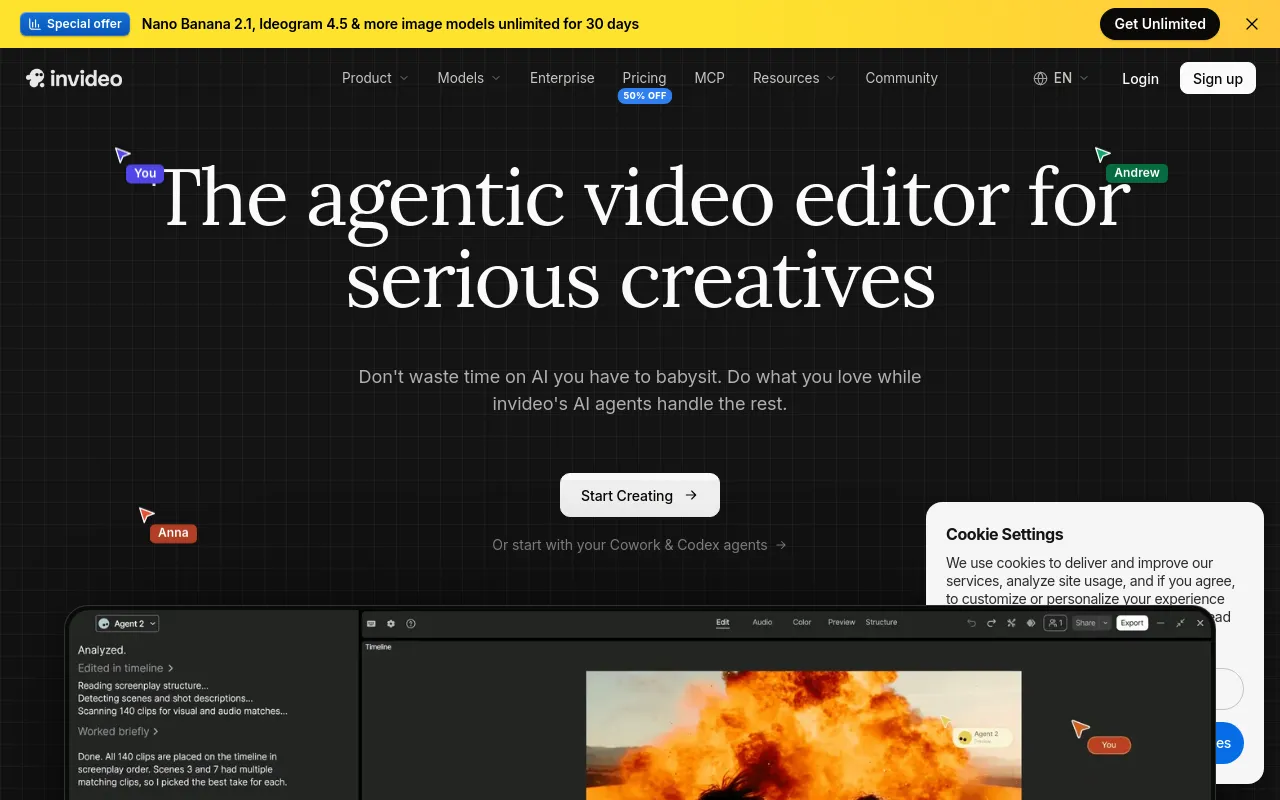
 invideo AIPaidAgent-driven video editor that edits your footage from plain-language directions and generates scenes with third-party AI models.Video· AI-powered
 CamtasiaFreemiumTechSmith's screen recorder and video editor for tutorials and training, now sold as a suite with Snagit and Audiate.Video
 OBS StudioOpen sourceFree, open-source software for live streaming and screen or video recording, with scenes, sources and an audio mixer.Video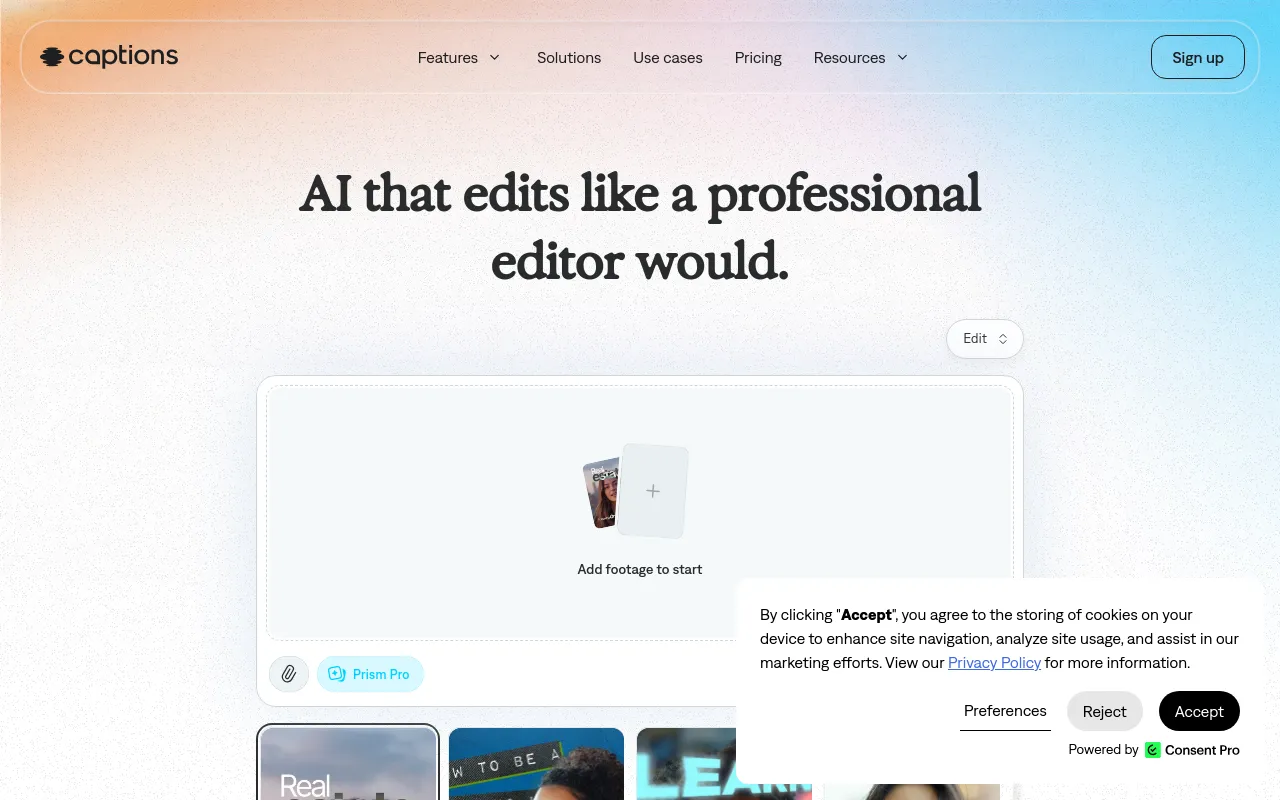
 CaptionsFreemiumMobile and web AI video editor that auto-edits footage, adds styled captions, and creates AI avatars and translations.Video· AI-powered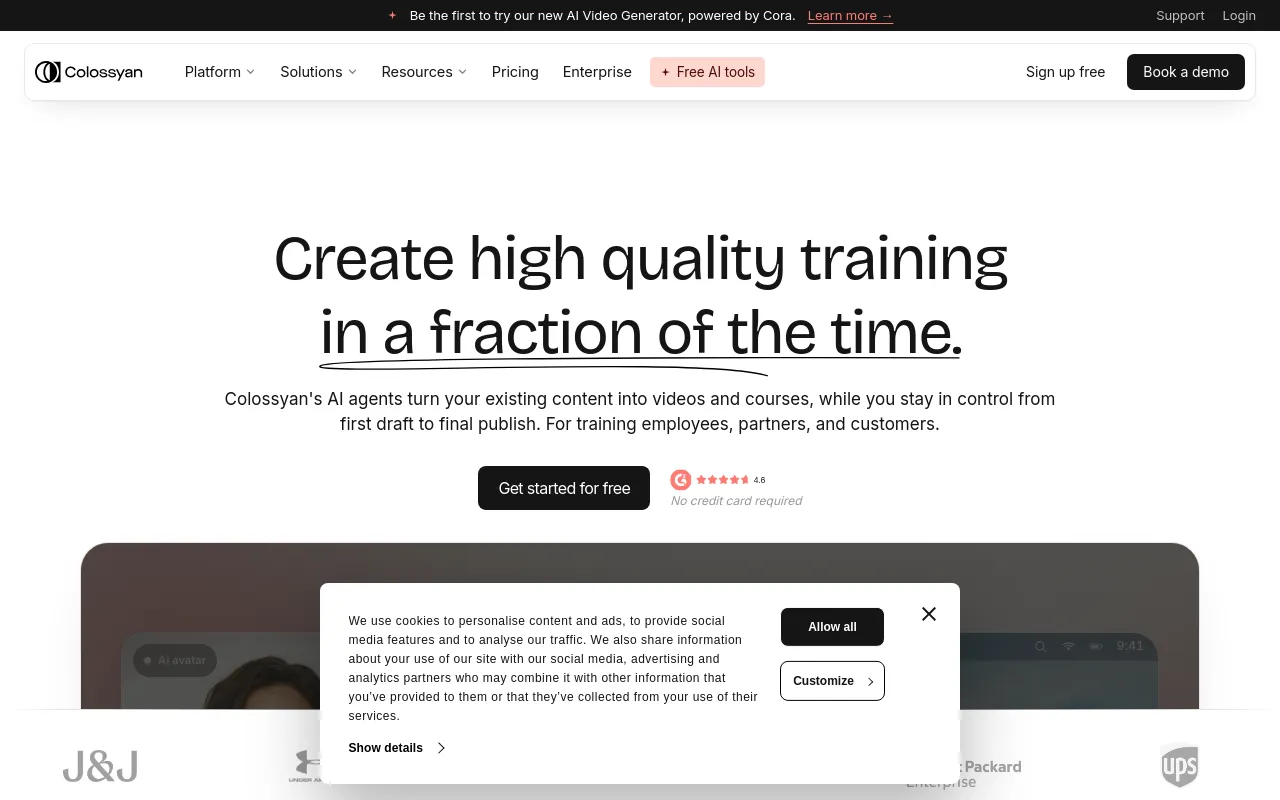
 ColossyanFreemiumAI avatar video and course builder for workplace training, with SCORM export, interactivity and translation.Video· AI-powered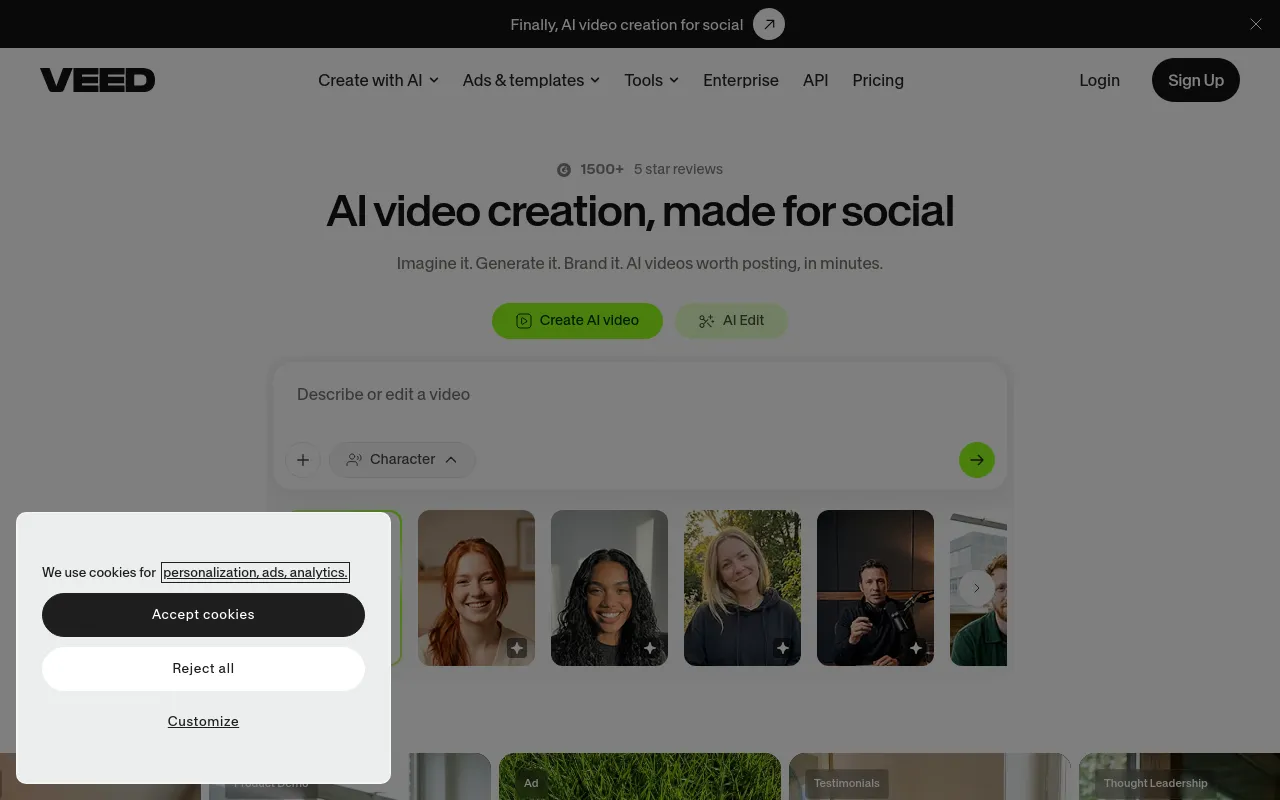
 VEEDFreemiumBrowser-based video editor with AI subtitles, avatars, voice tools and video generation aimed at social and marketing content.Video· AI-powered