
Canva
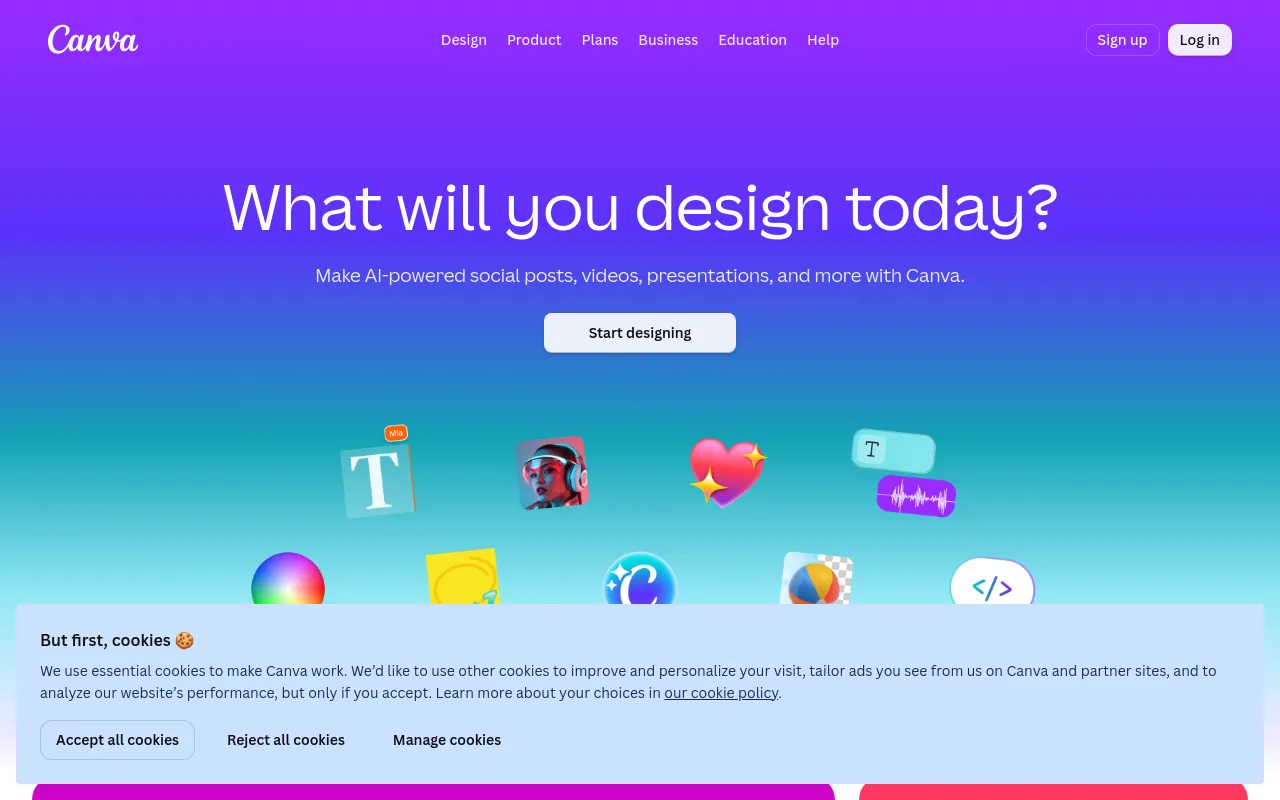
Browser and app-based design editor with templates, brand kits and built-in AI tools for social, print, presentation and video work.
- Pricing
- Freemium · see prices
- Platforms
- Web, Windows, macOS, iOS, Android
- Categories
- Design & photo, Video
About Canva
Canva is a template-driven design editor for social posts, presentations, documents, print items and short videos. Its toolset includes a background remover, Magic Eraser, Magic Resize for adapting one design to many channel sizes, an image upscaler, Magic Write text generation, AI captions and a video editor, plus Brand Kit for storing logos, colours and fonts. Designs can be edited collaboratively and resized for different platforms. Canva runs in the browser and as desktop apps for Mac and Windows, with mobile apps for iOS and Android. It is operated by Canva, which also owns Affinity and remove.bg.
Good for
Non-designers and marketing teams producing a steady stream of social, presentation and print assets from templates, especially where several people need to stay on one brand kit.
Watch out for
AI tools draw on a shared AI allowance that is consumed at different rates per tool, and the pricing page notes fair-use limits; heavier AI use is sold as a separate AI Pass add-on for Pro and Business plans.
Pricing notes
As of October 2026 the pricing page lists Free, Pro (one person), Business (per person) and Enterprise (contact sales) tiers, with free trials of Pro and Business. Prices are shown in local currency based on region, so USD amounts were not captured. K-12 schools and nonprofits can get most premium features free.
Alternatives to Canva
See all →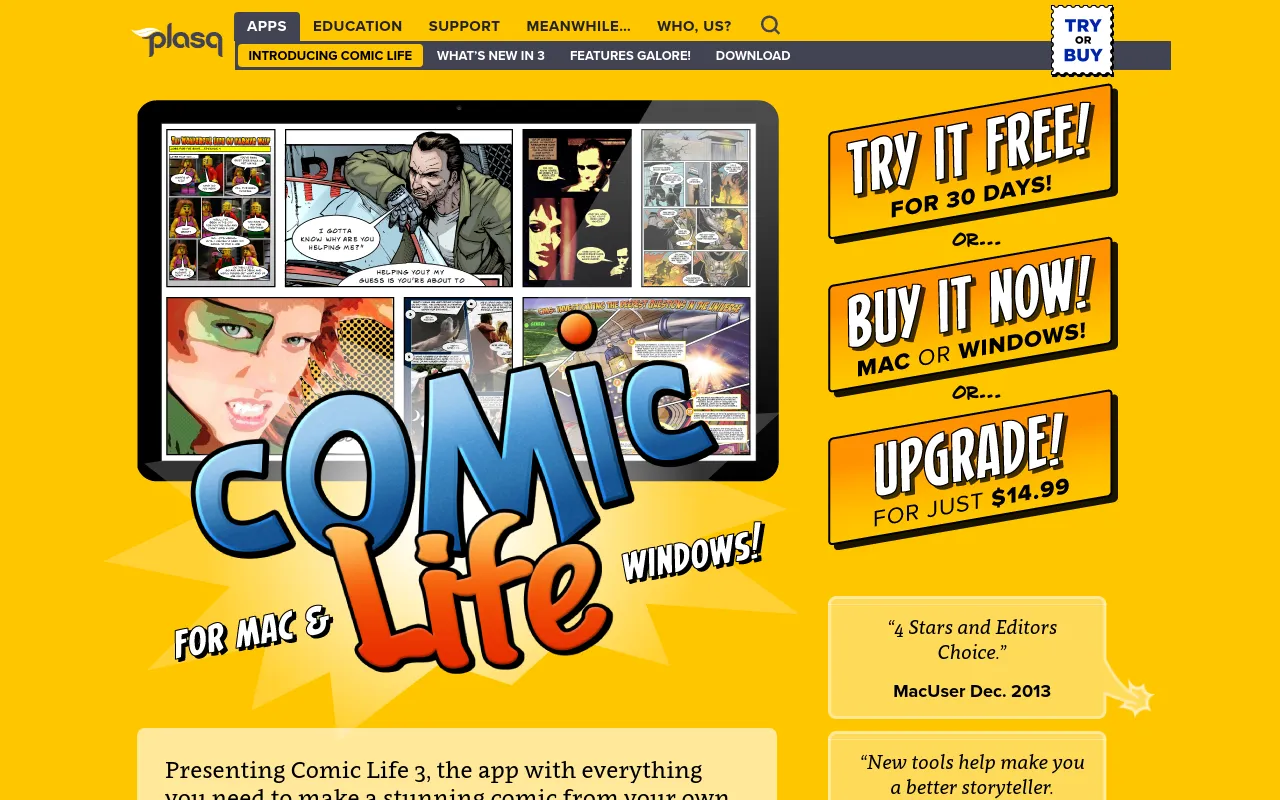
 Comic LifeFree trialDesktop and mobile app from plasq for turning photos or drawings into comics with templates, balloons and lettering.Design & photo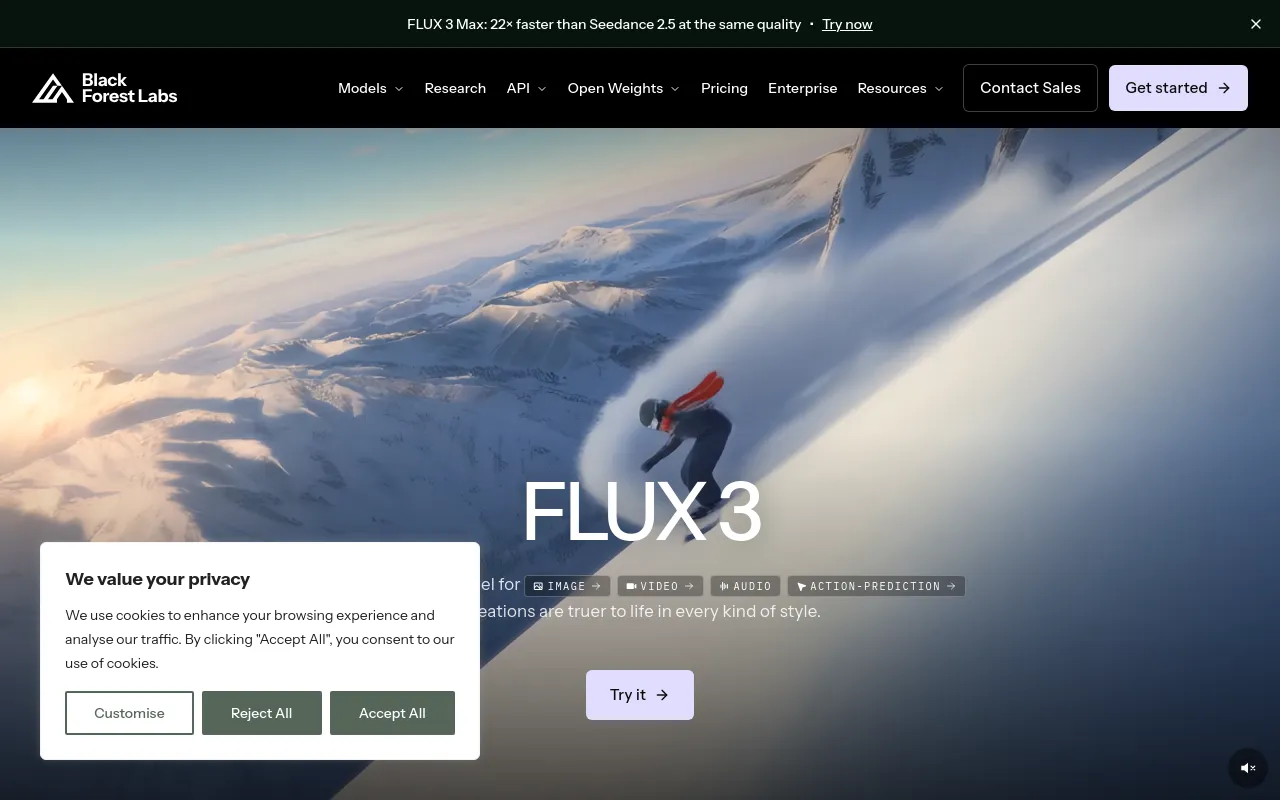
 Black Forest Labs (FLUX)PaidDeveloper of the FLUX image and video models, offered through a pay-per-image API, open-weight licenses and a browser playground.Design & photo· AI-powered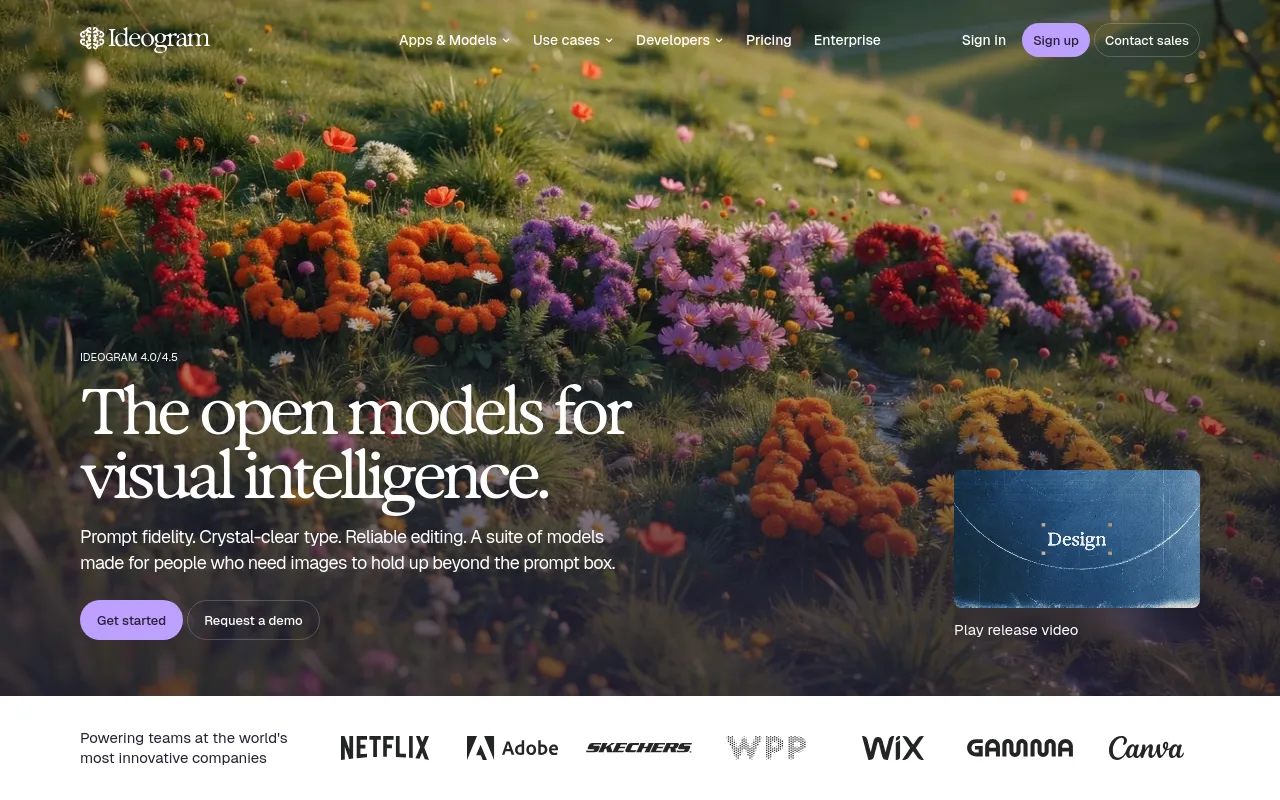
 IdeogramFreemiumImage generator and editing apps focused on accurate text and typography in images, with an API and open-weight models.Design & photo· AI-powered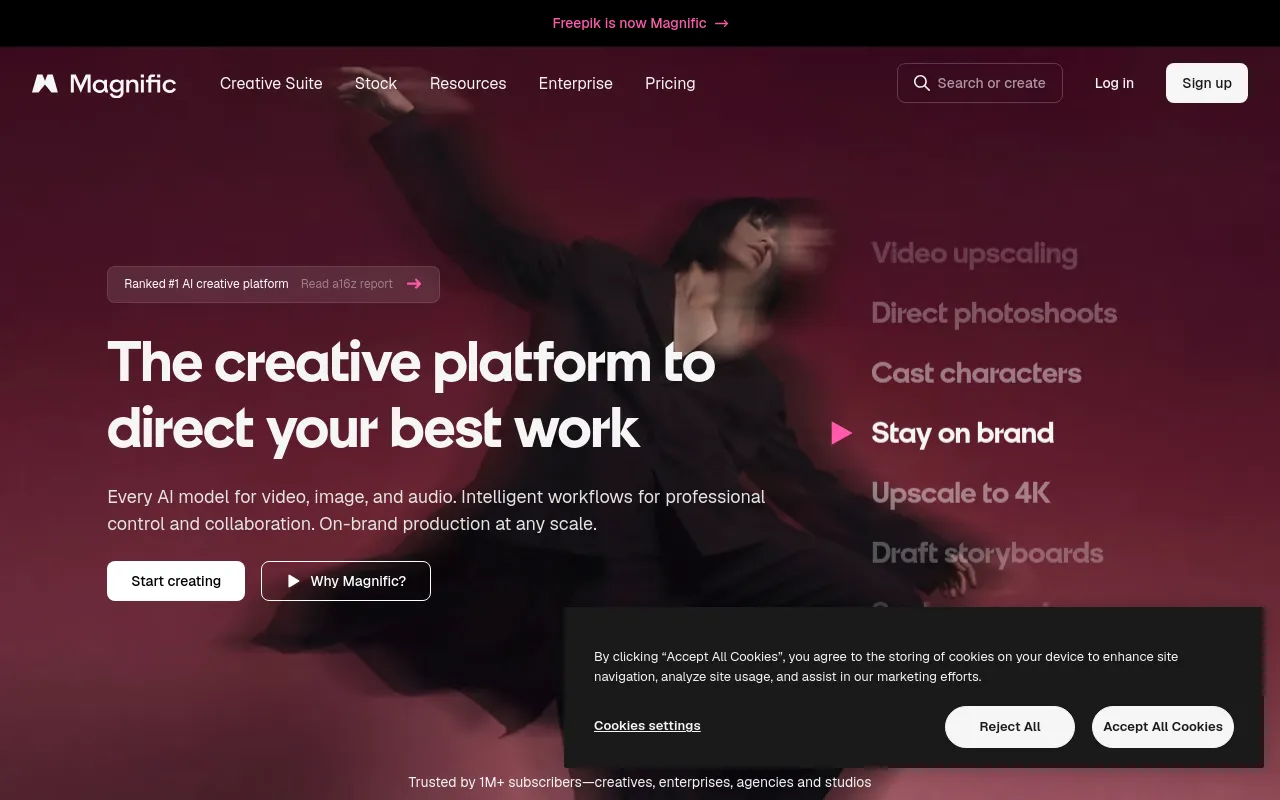
 Magnific (formerly Freepik)PaidFreepik's rebranded AI creative suite for generating, editing and upscaling images and video, bundled with a stock library.Design & photo· AI-powered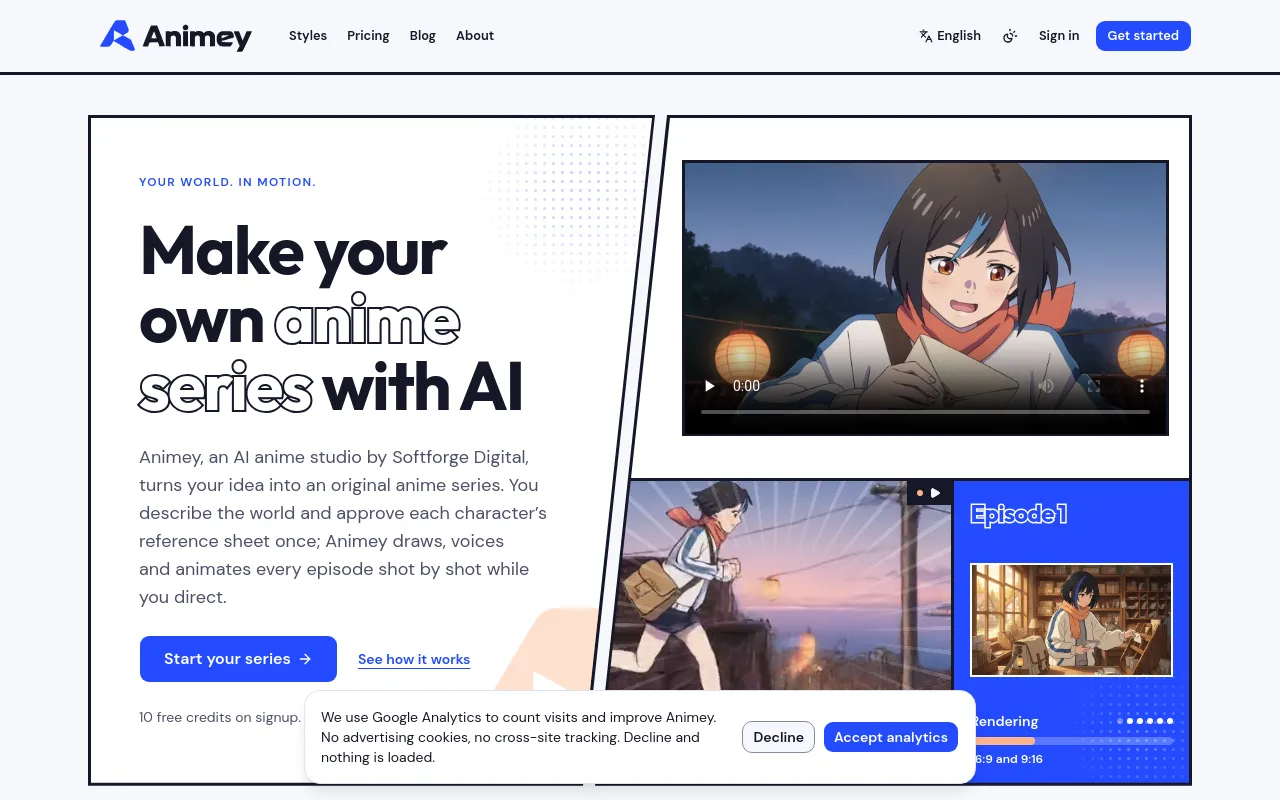
 AnimeyFree trialPlans, draws, voices and animates original anime series episodes from an idea, with subtitles and vertical cuts.Design & photo· AI-powered
 darktableOpen sourceOpen-source raw photo developer and library manager for photographers, with non-destructive editing, on Linux, macOS and Windows.Design & photo