
Photopea
Browser-based image editor with layers, masks and PSD support that runs locally on your device; free with ads or ad-free Premium.
- Pricing
- Freemium
- Platforms
- Web, API
- Categories
- Design & photo
About Photopea
Photopea is a photo and graphics editor that runs in a web browser without installation. Files are processed on the user's own device rather than uploaded. It offers layers, masks, layer styles, smart objects, adjustment layers, channels and paths, filters such as Liquify and Puppet Warp, vector editing, and RAW opening (DNG, CR2, CR3, NEF, ARW and others). PSD is its main format for opening and saving, and it also reads and writes many others, including AI, PDF, SVG, HEIC, Figma and Paint.NET (PDN) files. AI tools include one-click background removal and text-prompted replacement of image areas. A developer API lets sites embed the editor.
Good for
Occasional or budget users who need to open or edit PSD files, students on shared or locked-down computers, and developers who want to embed an image editor via iframe.
Watch out for
The free version shows advertising; the ad-free Premium account requires logging in via a third-party service such as Google or Facebook. Performance depends on the device's own CPU and GPU since processing is local.
Pricing notes
As of October 2026 the free account is available to anyone. Premium (no ads) and team Premium are ordered inside the editor's Account window; prices were not shown on the pages read. A self-hosted package is quoted at US$500-2000 per month, paid yearly.
Alternatives to Photopea
See all →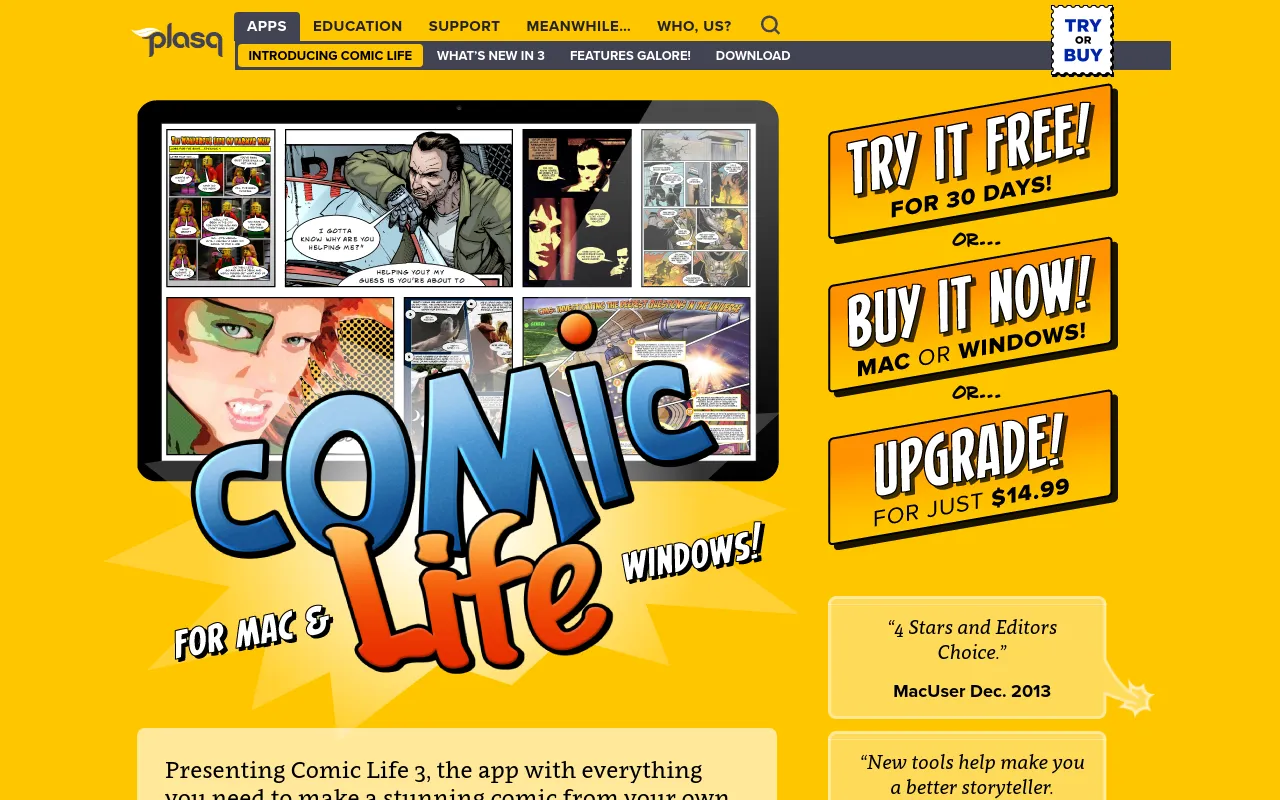
 Comic LifeFree trialDesktop and mobile app from plasq for turning photos or drawings into comics with templates, balloons and lettering.Design & photo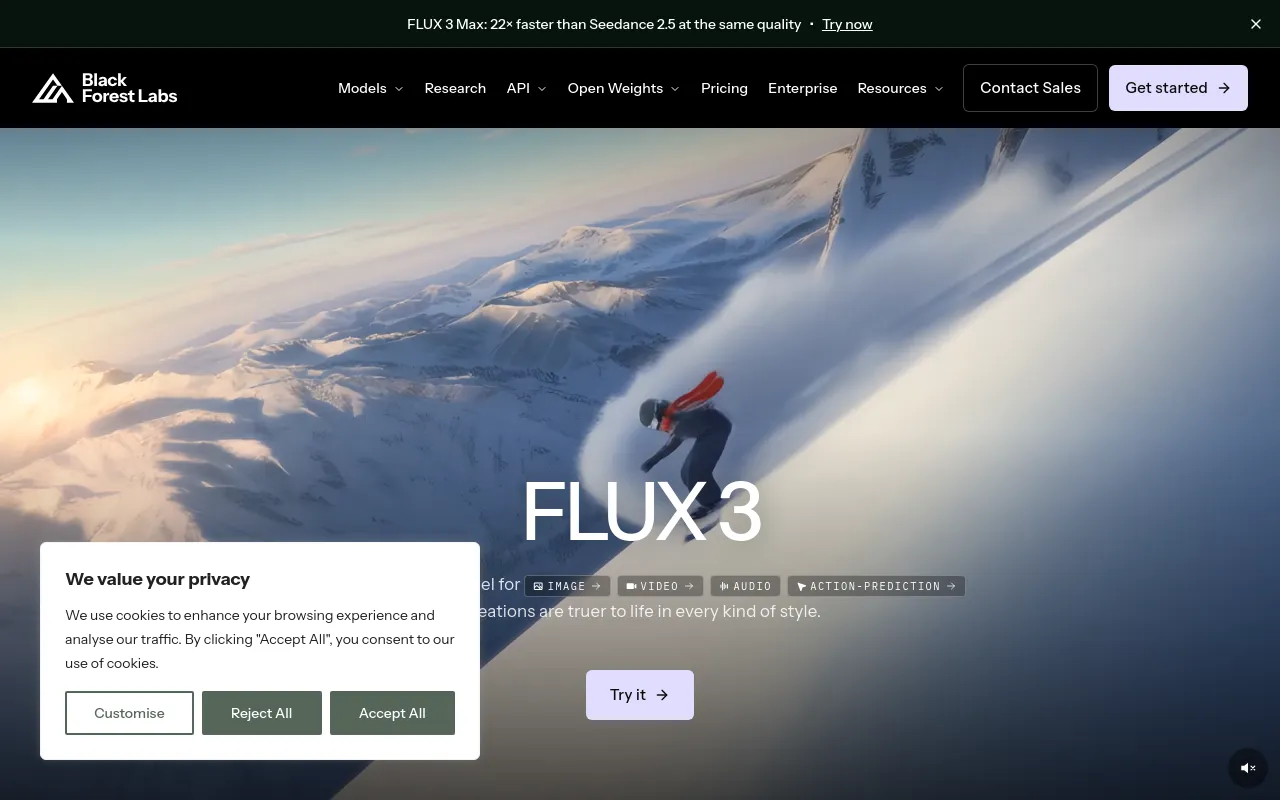
 Black Forest Labs (FLUX)PaidDeveloper of the FLUX image and video models, offered through a pay-per-image API, open-weight licenses and a browser playground.Design & photo· AI-powered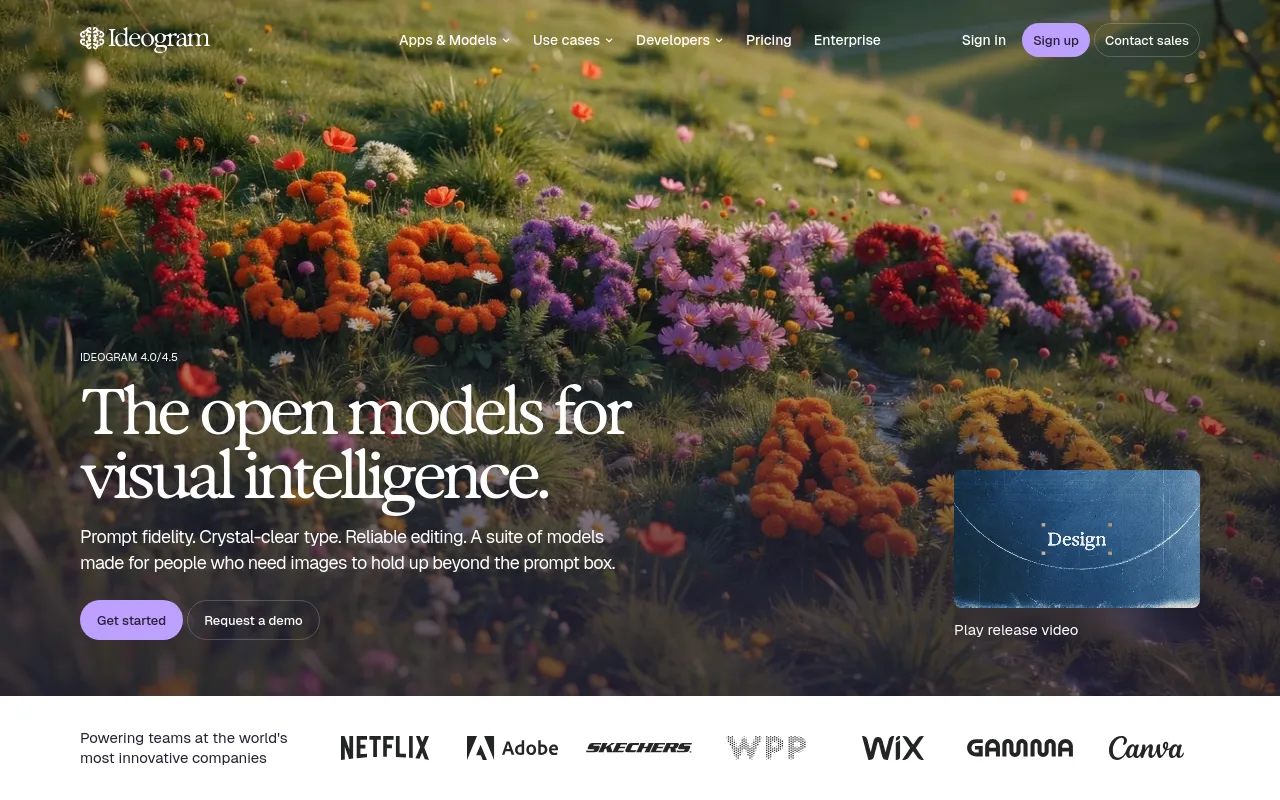
 IdeogramFreemiumImage generator and editing apps focused on accurate text and typography in images, with an API and open-weight models.Design & photo· AI-powered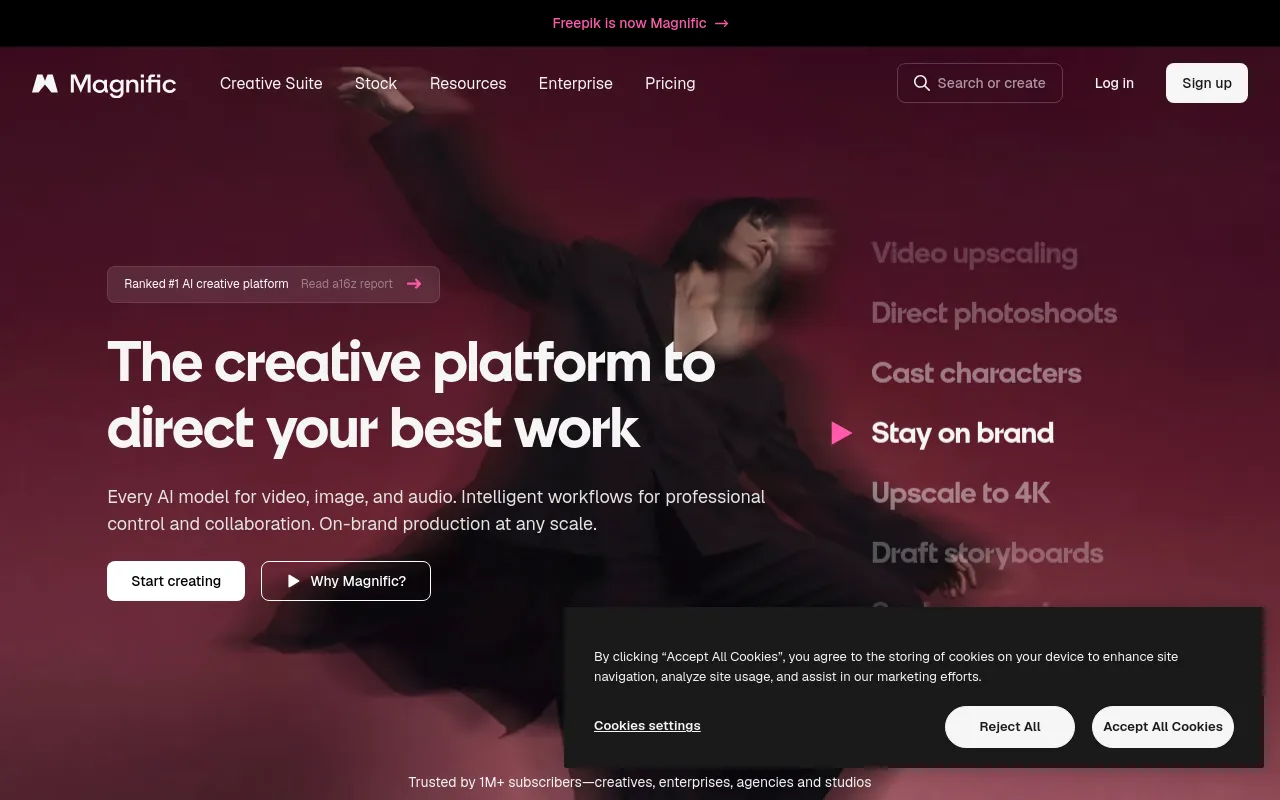
 Magnific (formerly Freepik)PaidFreepik's rebranded AI creative suite for generating, editing and upscaling images and video, bundled with a stock library.Design & photo· AI-powered
 AnimeyFree trialPlans, draws, voices and animates original anime series episodes from an idea, with subtitles and vertical cuts.Design & photo· AI-powered
 darktableOpen sourceOpen-source raw photo developer and library manager for photographers, with non-destructive editing, on Linux, macOS and Windows.Design & photo