
Visual Studio Code
Free, extensible code editor from Microsoft with debugging, Git, extensions and built-in AI agent features.
- Pricing
- Free · see prices
- Platforms
- Windows, macOS, Linux, Web
- Categories
- Development
About Visual Studio Code
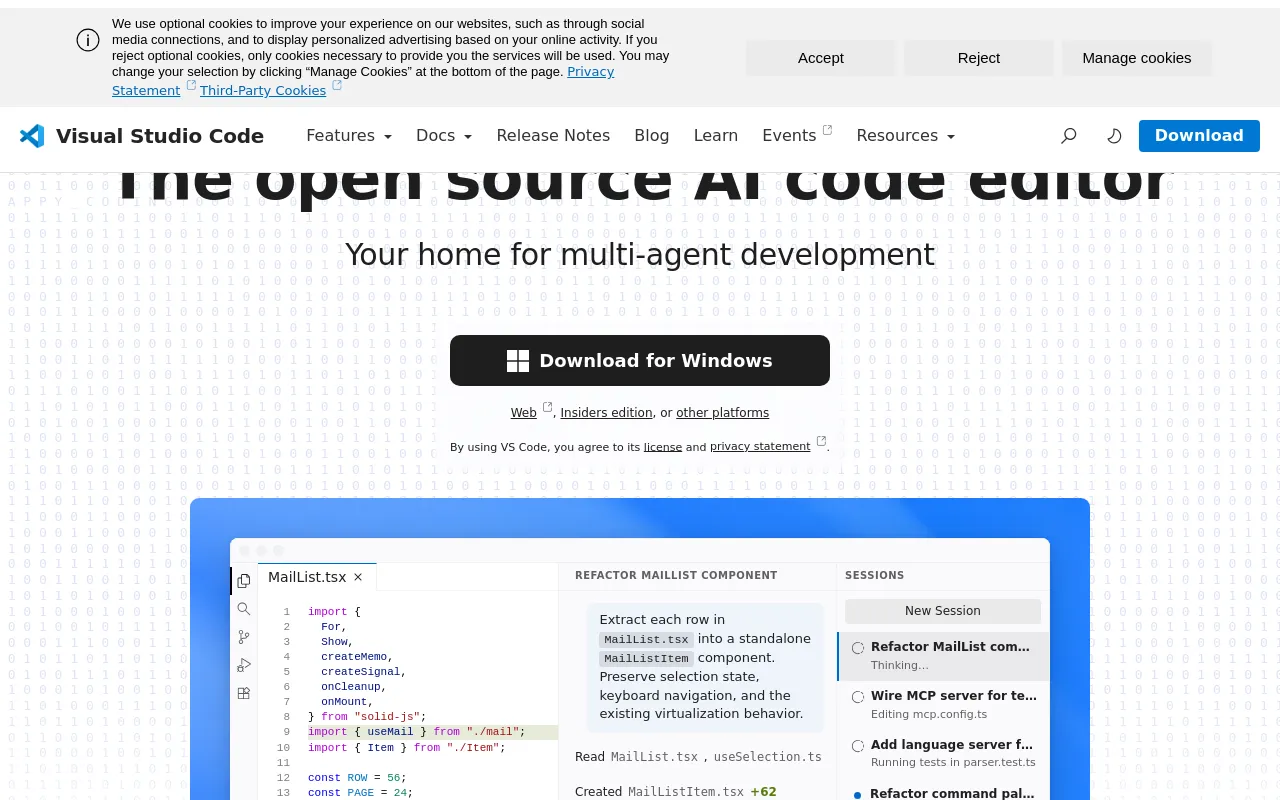
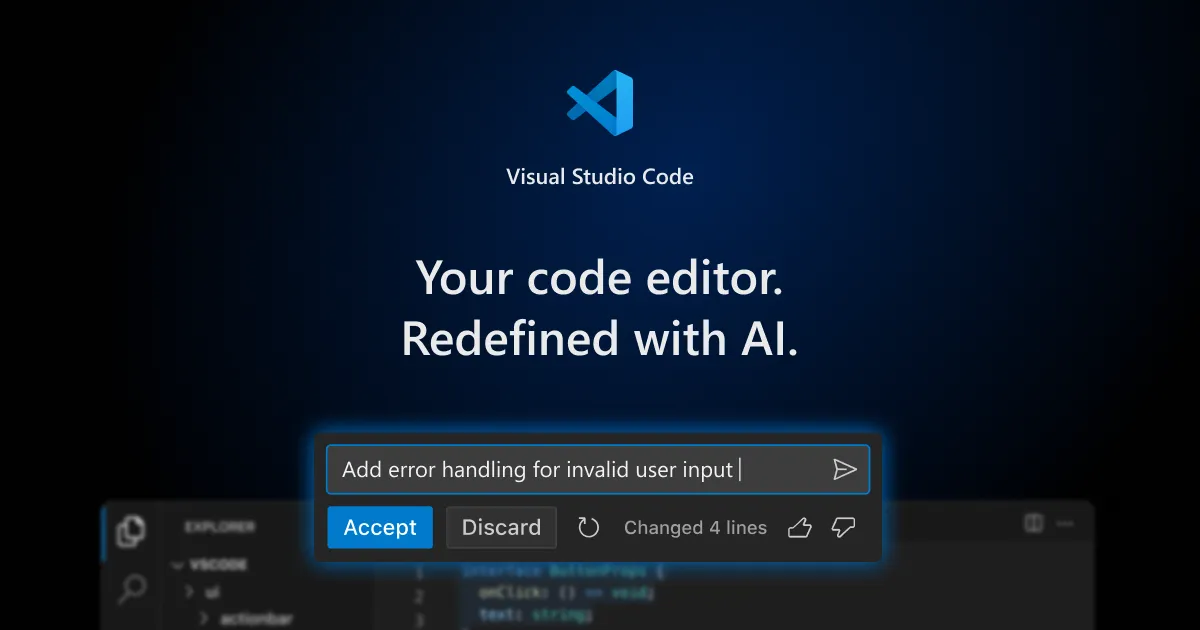
Visual Studio Code is a free code editor from Microsoft for Windows, macOS and Linux, with a web version as well. It provides editing, debugging, task running and version control, and a large extension marketplace adds languages, tools and MCP servers. The product is built from the open-source Code - OSS repository (MIT licence) and released as a Microsoft-branded build under a Microsoft product licence. Recent releases put AI agents at the centre of the homepage: GitHub Copilot chat and agent features are built in, with a Copilot Free plan for individuals, paid Copilot plans, or the option to bring your own model keys. Microsoft has open-sourced the Copilot Chat extension, while Copilot's backend services stay closed source.
Good for
Developers in almost any language who want a free, lightweight editor that can be extended into a full working environment through extensions.
Watch out for
The downloadable VS Code build uses a Microsoft product licence, which differs from the MIT-licensed Code - OSS source. AI features rely on a GitHub account and Copilot plan or your own model keys; per the FAQ they can be switched off with the chat.disableAIFeatures setting.
Pricing notes
As of October 2026 the FAQ says VS Code is free for private and commercial use. GitHub Copilot is separate: a Copilot Free plan gives a monthly allowance, and paid Copilot plans are sold by GitHub.
Alternatives to Visual Studio Code
See all →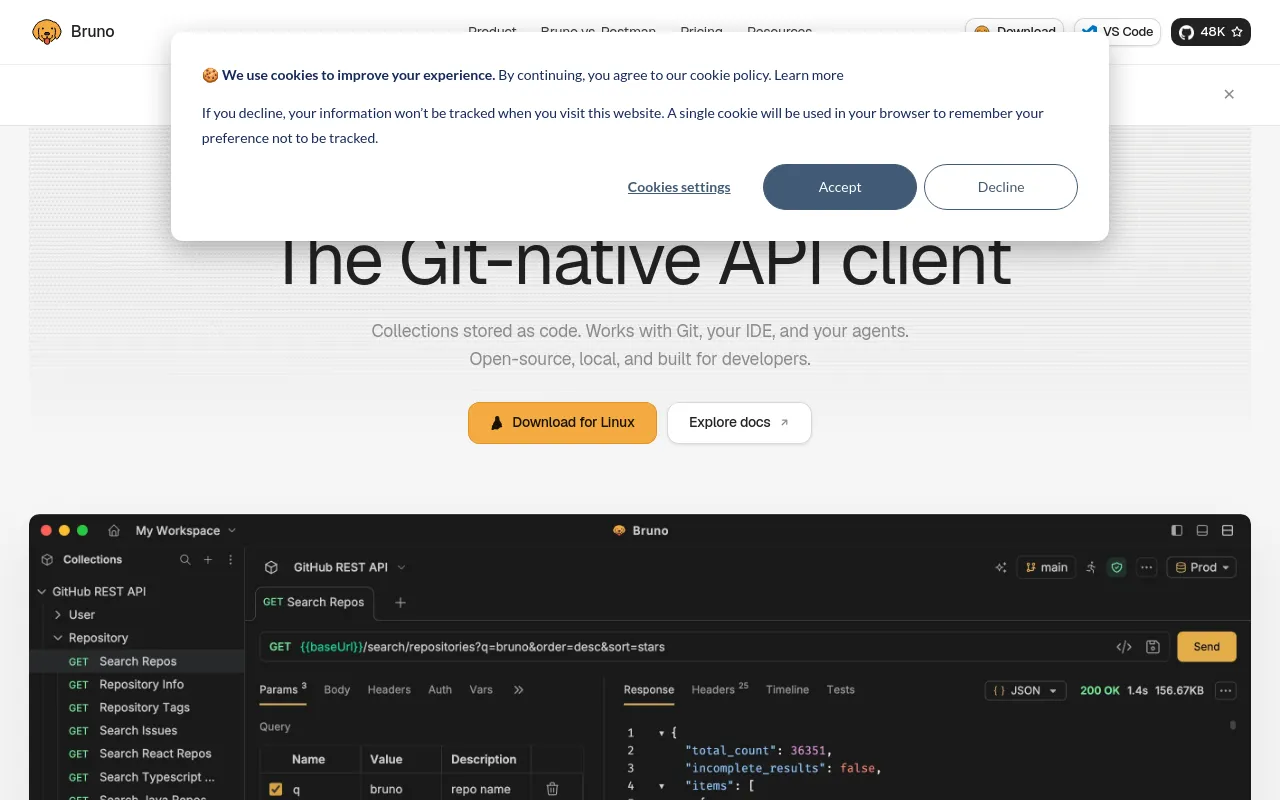
 BrunoOpen sourceOpen-source, Git-native API client that stores collections as plain-text files with no cloud account.Development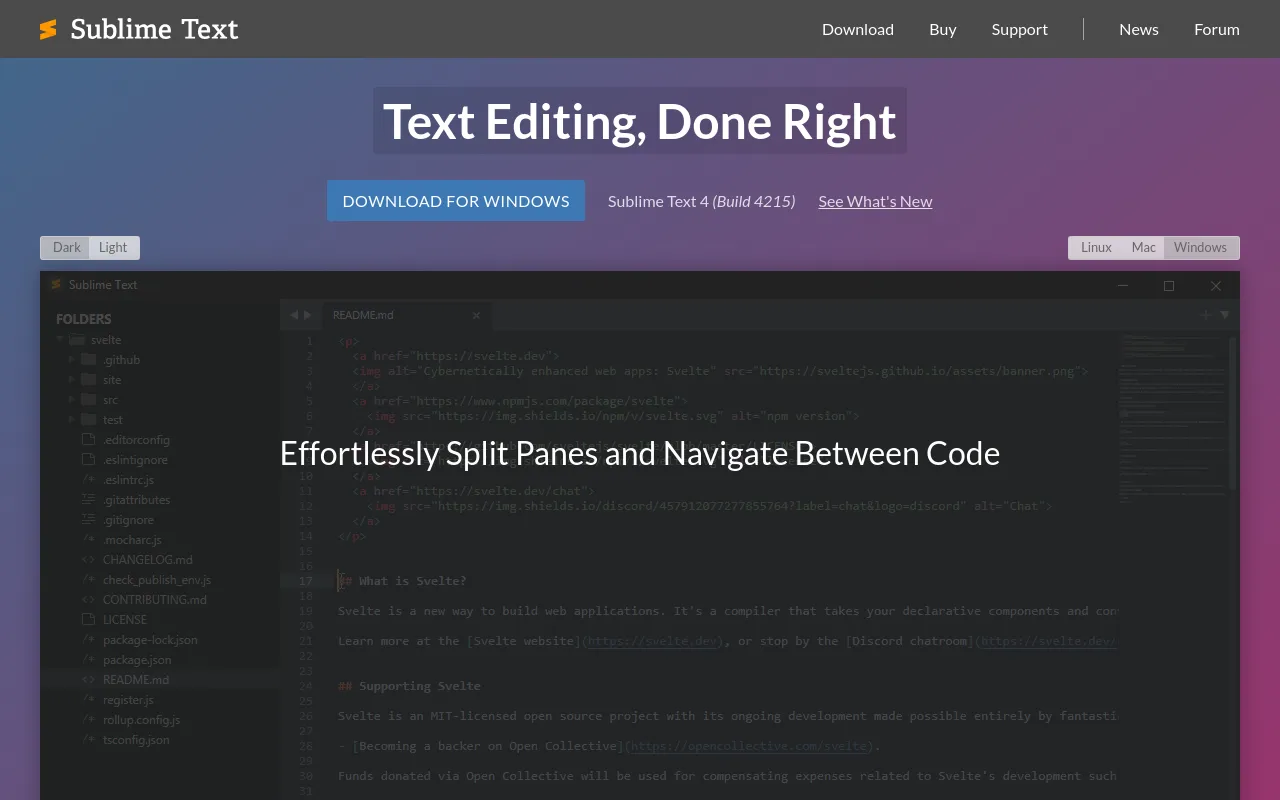
 Sublime TextFree trialFast, cross-platform text and code editor known for multiple selections and Goto Anything.Development
 ZedOpen sourceOpen-source, GPU-accelerated code editor written in Rust, with multiplayer editing and optional AI.Development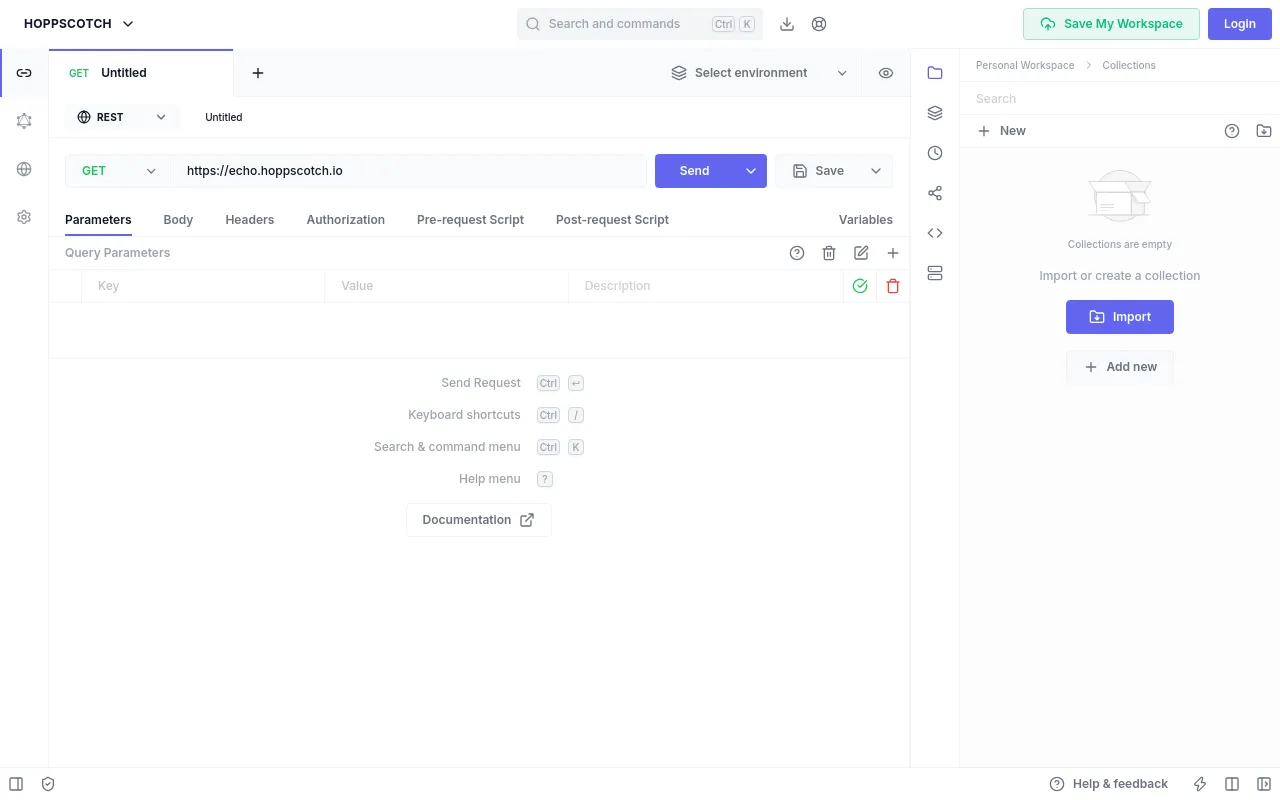
 HoppscotchOpen sourceOpen-source API development platform for REST, GraphQL and realtime APIs, in the browser, desktop or CLI.Development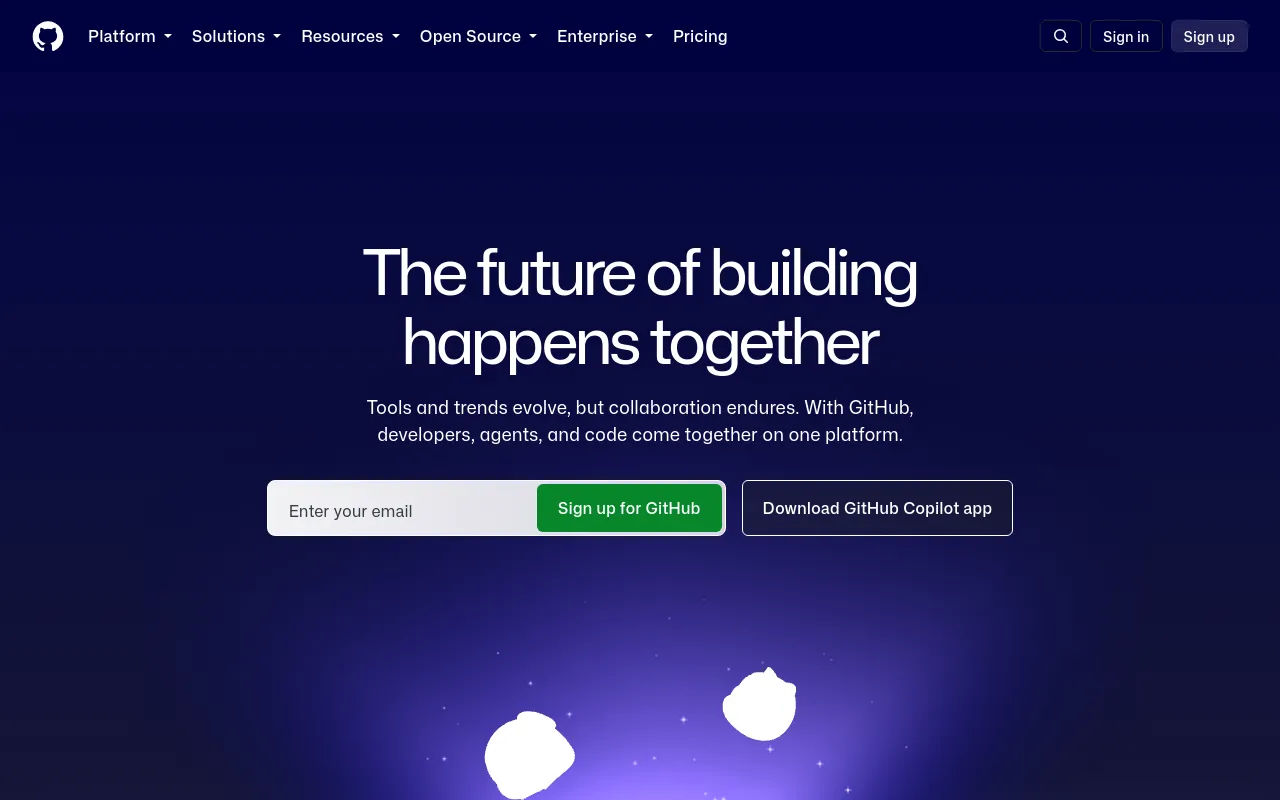
 GitHubFreemiumGit hosting and developer platform with pull requests, Actions CI/CD, Issues, Codespaces and Copilot.Development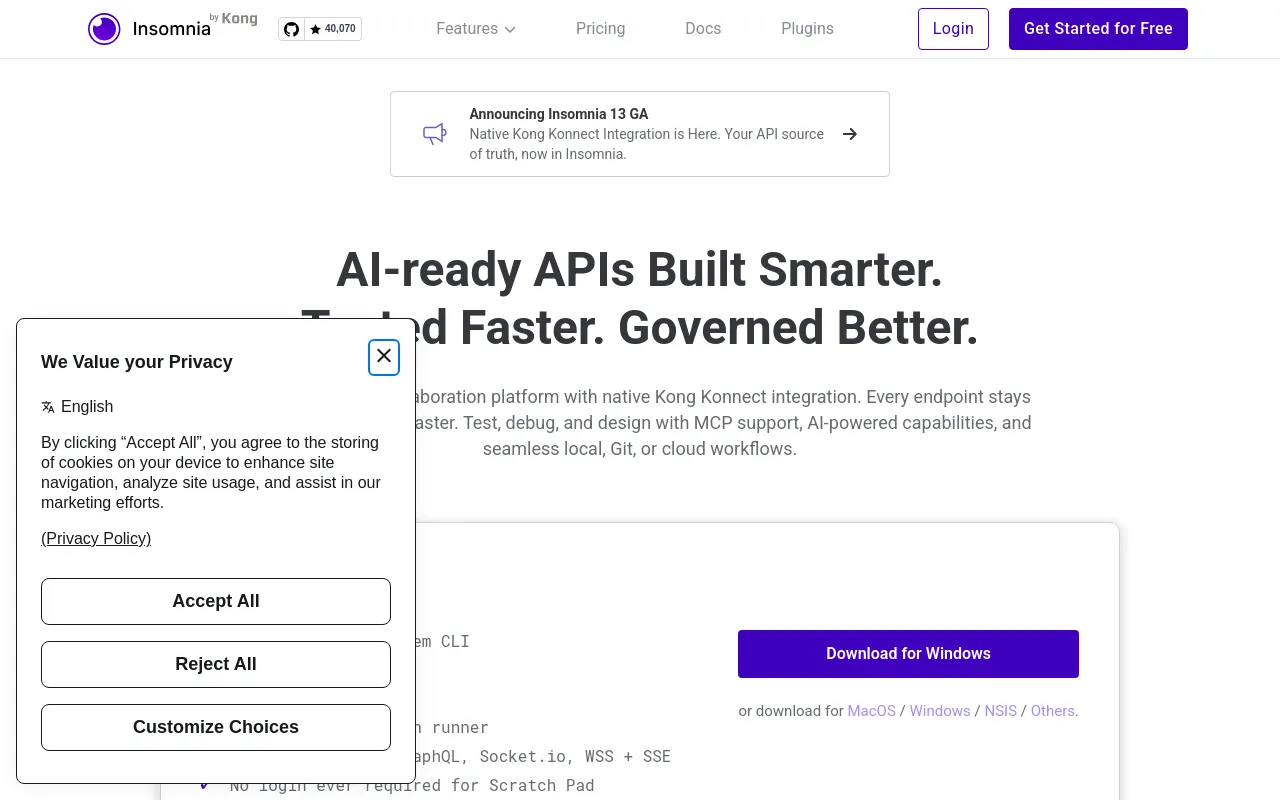
 InsomniaOpen sourceOpen-source API client from Kong for REST, GraphQL, gRPC, WebSockets and MCP testing.Development